Availability Check
Availability checks help you avoid assigning work to people who are not available around a task deadline.
Requirements
To use availability checks, the task needs a deadline and you need permission to create or inspect calendar availability in the project or global scope.
How it works
When you create, edit, or view a task in the app, Bnder checks assigned users against the task deadline.
Availability can consider:
- work hours
- accepted or owned calendar events
- imported external calendar blocks
- out-of-office or PTO events
- enabled public or company holidays
- personal holiday-region overrides
- active vacation handoff periods
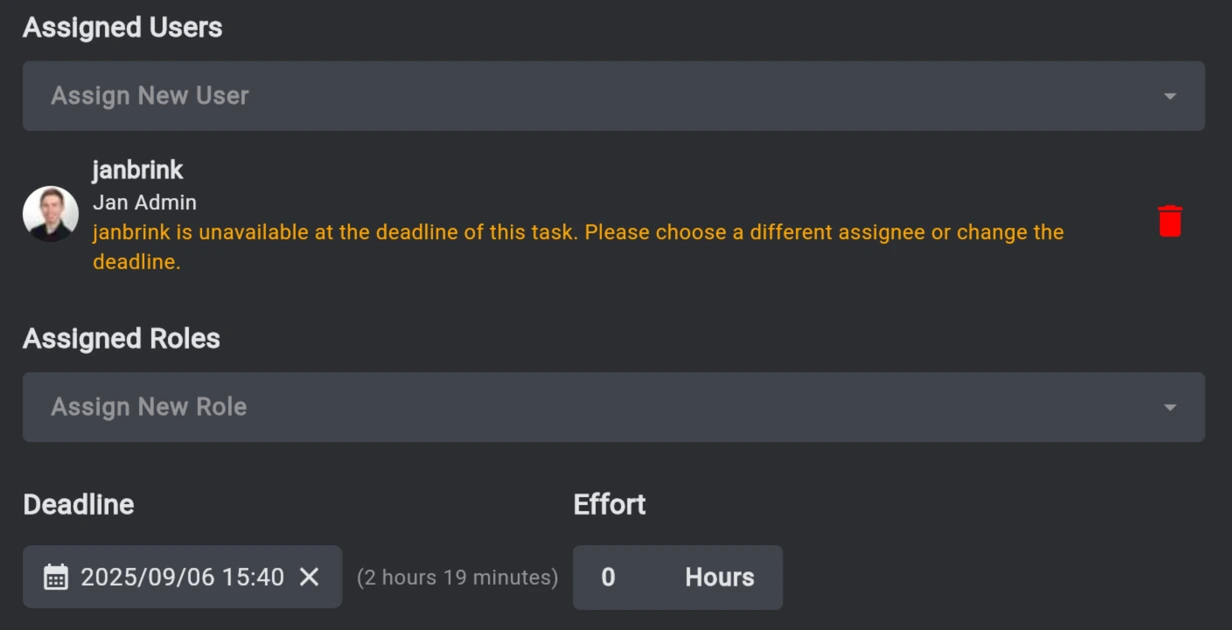
If an assigned user is not available, the task popup shows a warning underneath the assignee field.
Vacation handoff
If a workspace uses People Management, planned vacation periods can show who is covering the away member. See Vacation Handoff.