Customer support connected to product work
Customer support software for small SaaS teams
Manage customer requests, product follow-up, and help documentation in one lightweight workspace.
Email Ticketing System with Linked Product TasksView pricing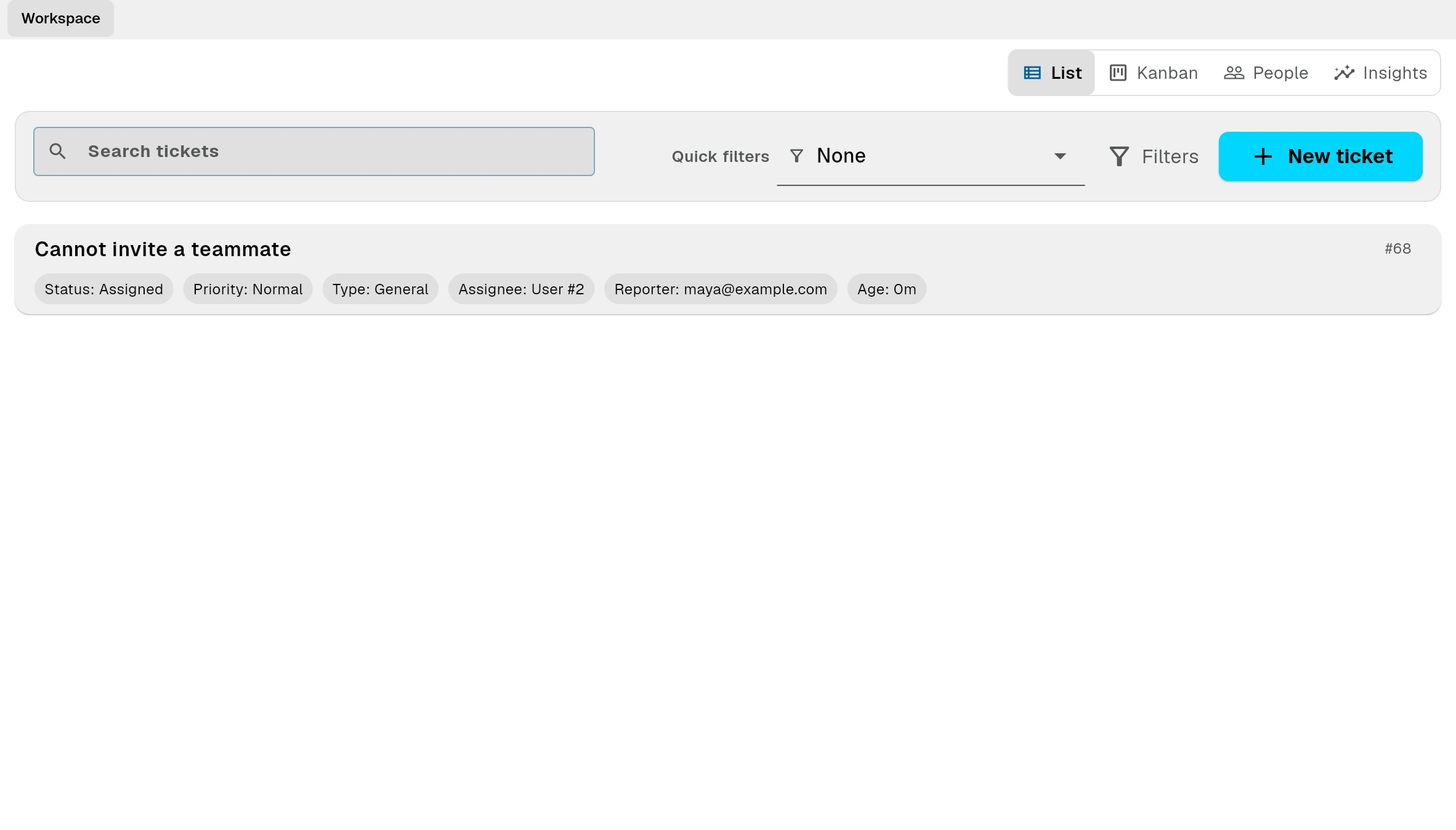
Support tickets
Linked product task → Help article
Support breaks when customer context is copied between tools.
A customer email becomes a ticket, someone recreates it in a task tracker, and the final answer disappears in another document or chat thread. Bnder keeps the request, the product work, and the reusable answer connected.
One request. One connected workflow.
- 1
Email or form
Receive requests from email, public forms, and the app.
- 2
Support tickets
Keep the original customer, conversation, and reason attached.
- 3
2. Link the work and the commitment
Connect the customer's ticket and task to their record. Track the next action and the promise you made, so colleagues can pick up the conversation.
- 4
Linked product task
Turn a ticket into a task without losing the customer, conversation, or reason behind the request.
- 5
Customer update
Reply from the connected workflow when the product work is resolved.
- 6
Help article
Turn solved issues into internal or public documentation so the next answer is already written.
Built for teams that support and build the same product
A focused workflow for SaaS startups, plugins, extensions, devtools, AI products, and other small software teams.
SaaS startups
For founders who still answer support and need customer requests to stay connected when they become product work.
Learn more →Plugins, extensions, and devtools
For small teams whose support queue regularly reveals bugs, compatibility issues, and repeated setup questions.
Learn more →AI and software products
For teams that need a focused support workflow without enterprise call-center administration.
Learn more →Replace the gap between your support inbox and your task tracker
Without Bnder
- Customer requests remain scattered across email, forms, and chat.
- Someone manually copies requests into a separate task tracker.
- Customer context is lost when support becomes product work.
- Solved questions disappear in chat threads or disconnected documents.
With Bnder
- Requests arrive in one connected support workflow.
- Tickets become linked product tasks without copying context.
- The team always knows which customer triggered the work.
- Resolutions become reusable replies and help documentation.
Support portal · Linked tasks · Help docs
A support inbox connected to delivery
Route support email into tickets, reply from the workflow, and keep the conversation attached to follow-up work.
Learn more →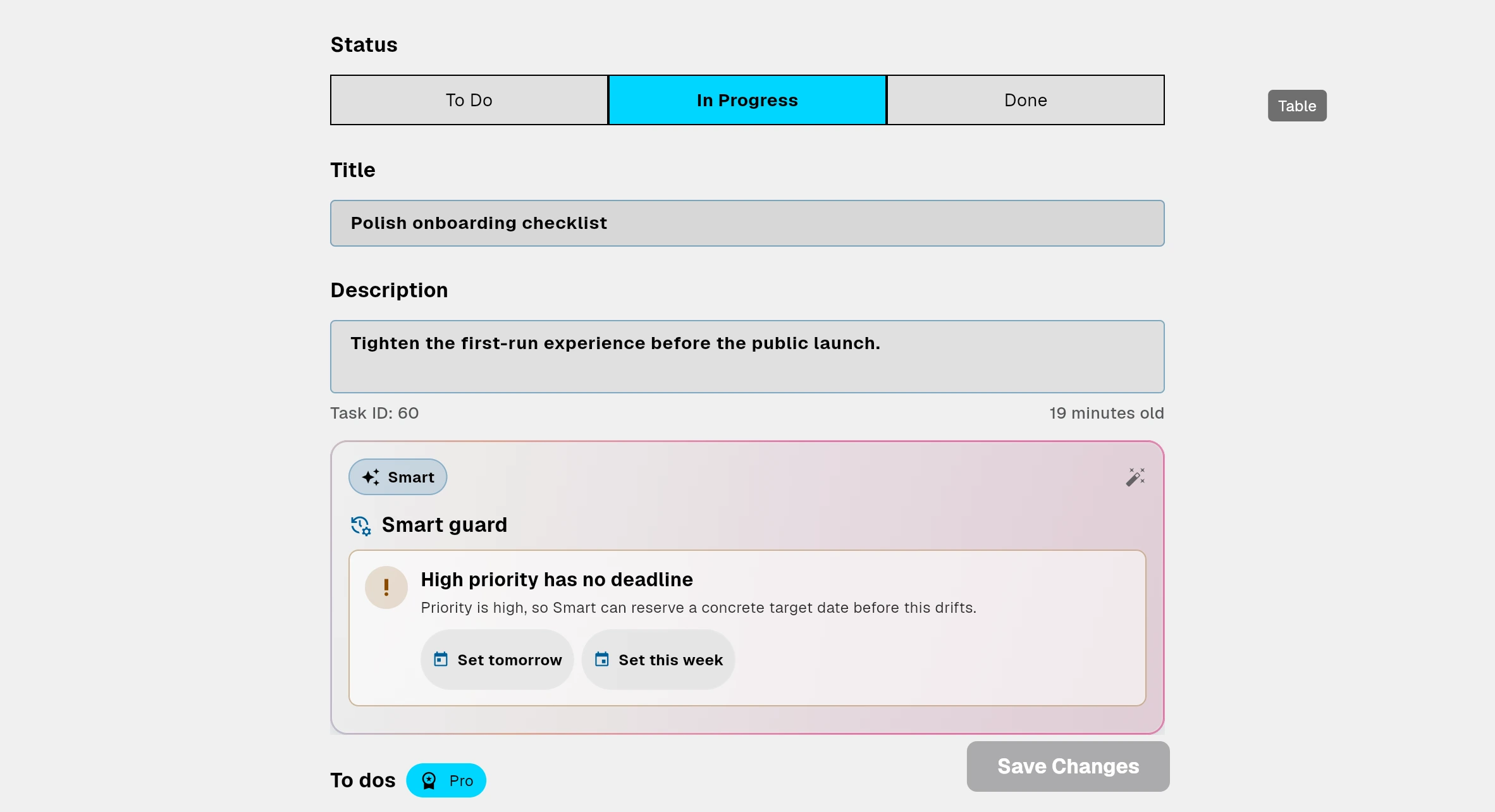
Product work with customer context
Create linked tasks from customer requests so the team understands what triggered the work and who needs an answer.
Learn more →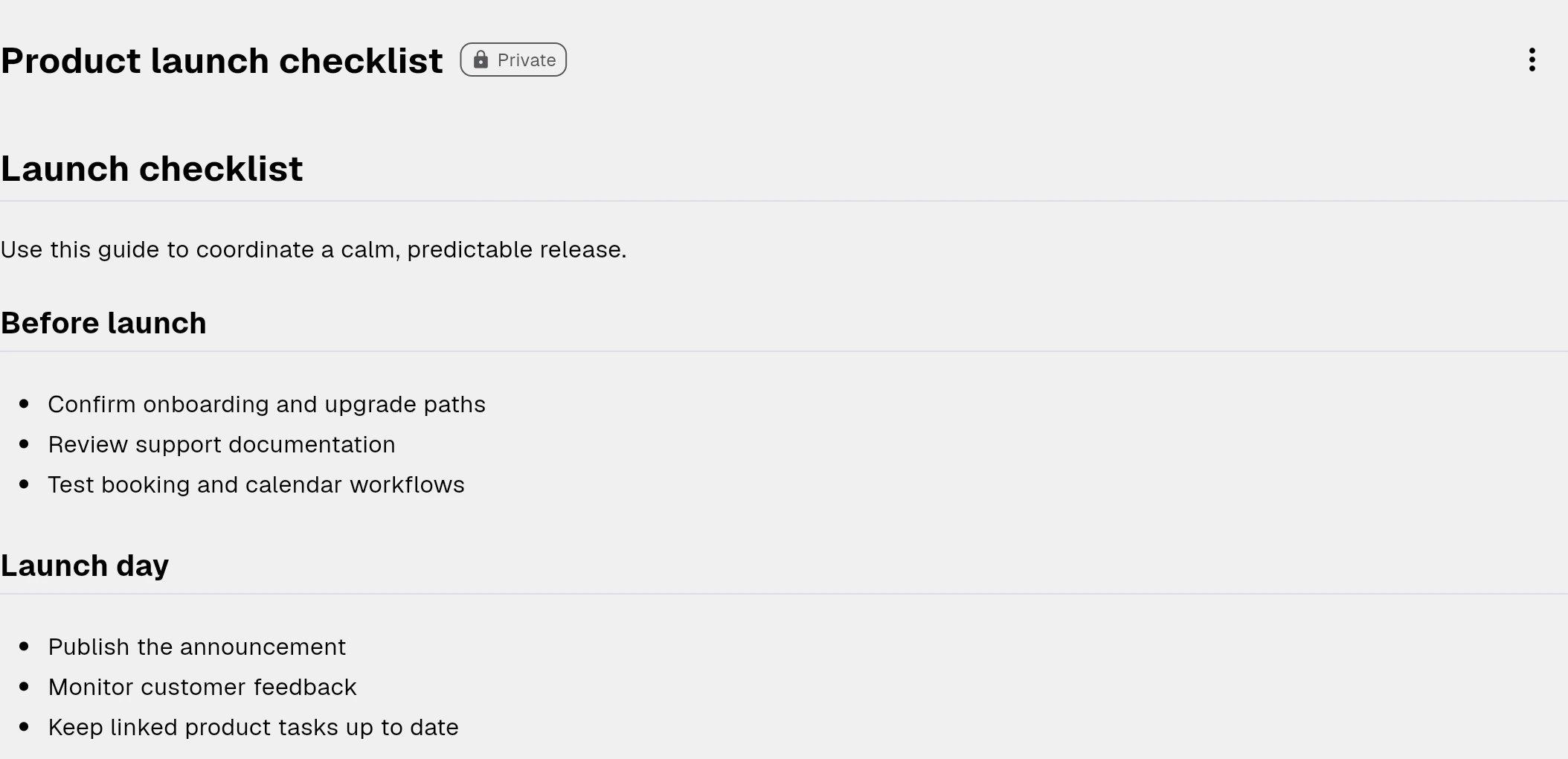
A help center that grows from solved issues
Publish stable answers, known issues, and troubleshooting content instead of answering the same question repeatedly.
Learn more →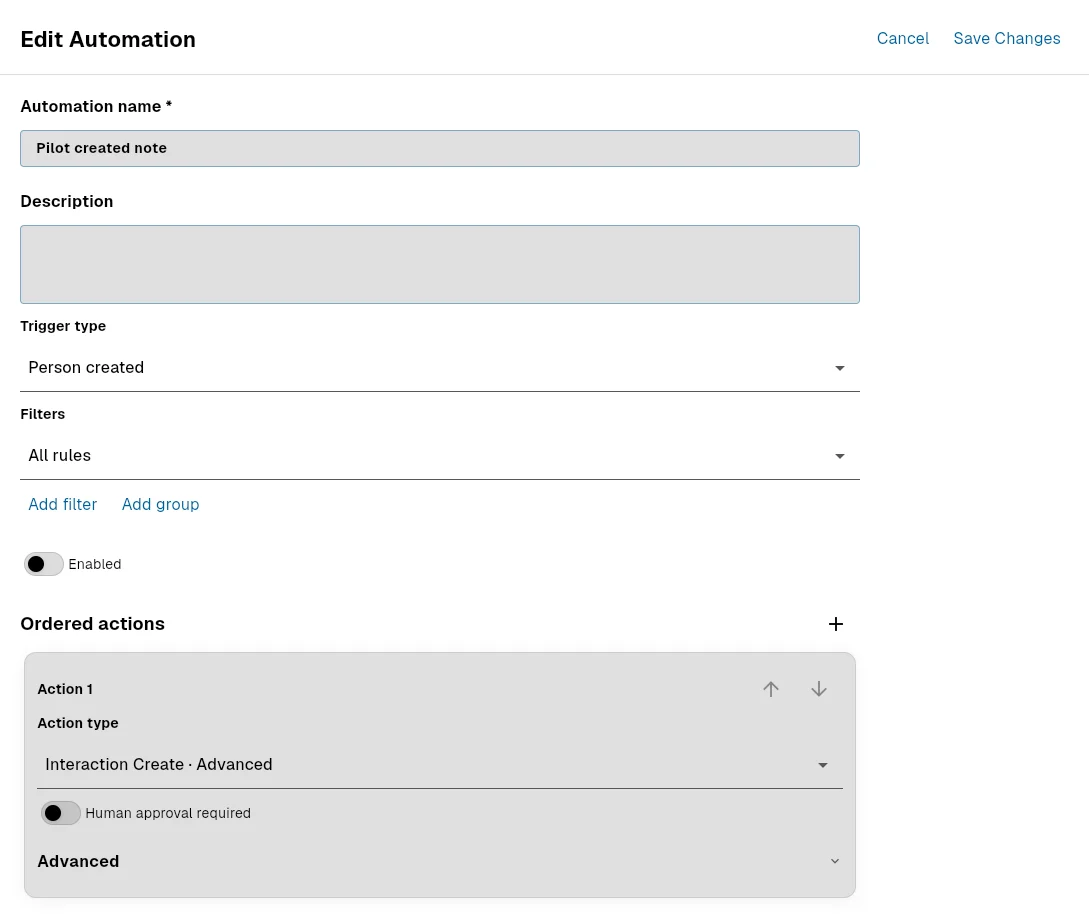
CRM for small teams
Keep contacts, companies and customer work together. Configure your CRM, link tickets and tasks, and start with 25 records on Free.
Learn more →Examples
Explore example workflows built with Bnder
Choose the starting point closest to today’s customer channels, then grow it into tickets, tasks, and reusable help docs.
ExamplesMore capabilities when your workflow grows
Projects, calendars, files, automations, AI assistance, API access, and integrations remain available inside the same workspace.
Is Bnder worth it?
Estimate the value of faster request handling, fewer manual handoffs, and reusable answers.
Estimated result
Estimated annual net benefit
€244
Freed capacity per month (hours)
0.8
Break-even per request
23 seconds per request
Estimated ROI
156%
This calculation is an estimate based on your information. Saved working time is freed capacity and does not necessarily reduce payroll costs. Actual results may vary.
Keep customer requests connected to the work that resolves them.
Start with the core workspace and move to advanced support workflows when your team needs connected email, customer communication, custom domains, or service-level processes.