One support loop, different entry points.
The channel can change, but the workflow stays connected: collect the request, coordinate follow-up work, and publish the reusable answer.
- Pick the use case that matches where your customer requests start.
- Keep tickets, linked tasks, and help docs connected as the workflow grows.
- Treat Discord, email, public forms, and app-created tickets as inputs, not separate products.
Connected requests
Customer requests stay connected to the task handoff needed to resolve them.
Reusable answers
Solved tickets can become public help docs instead of repeated replies.
Channel-neutral intake
Public forms, email, Discord, and the app can all feed the same support workflow.
Use cases
Explore support portal workflows.
Each use case keeps support tickets, task handoff, and help docs connected while changing the public entry point.
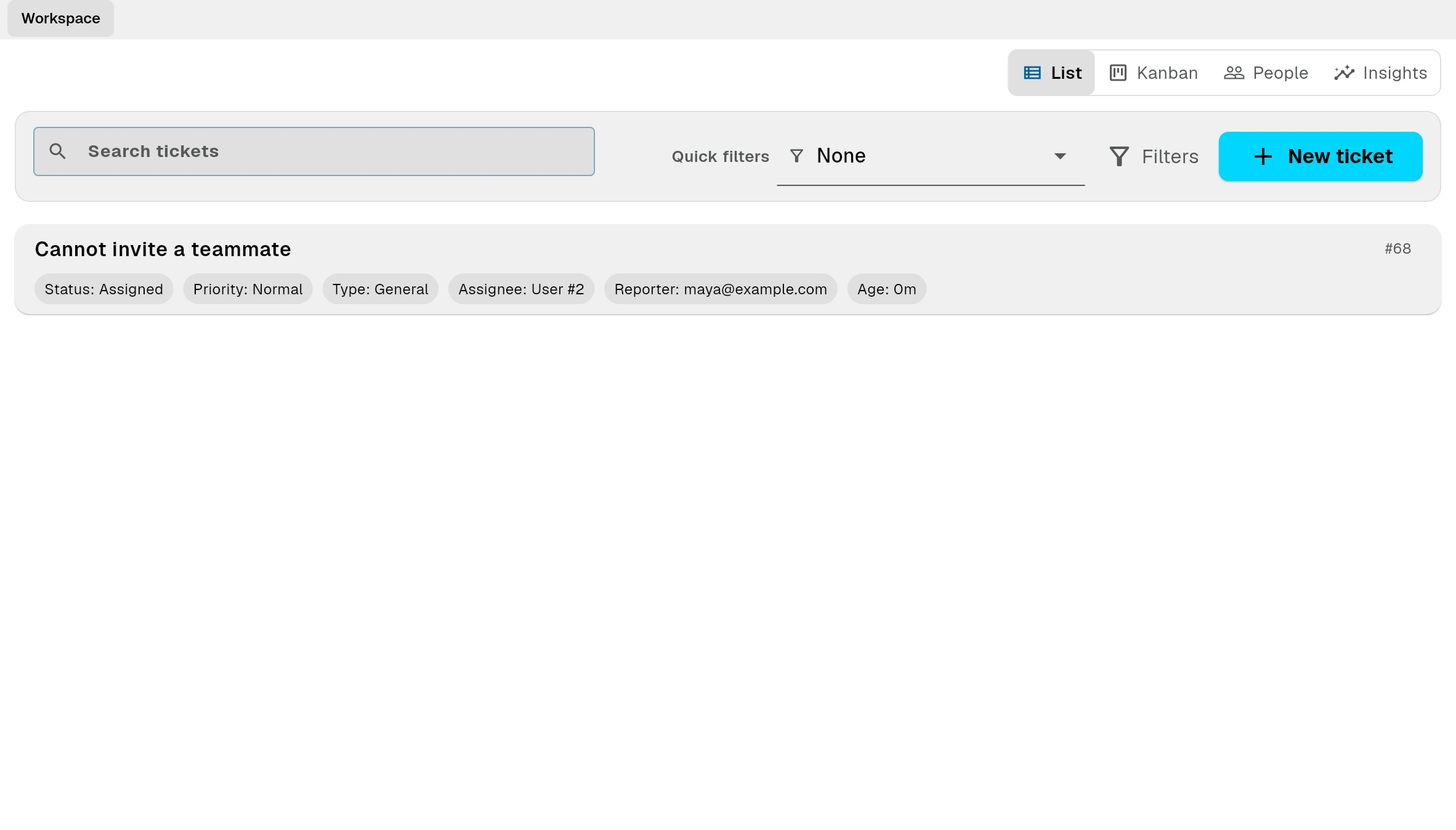
Customer Support Software for SaaS Teams
Connect support tickets, product tasks, and help documentation in one lightweight customer support workspace for small SaaS teams.
Learn more →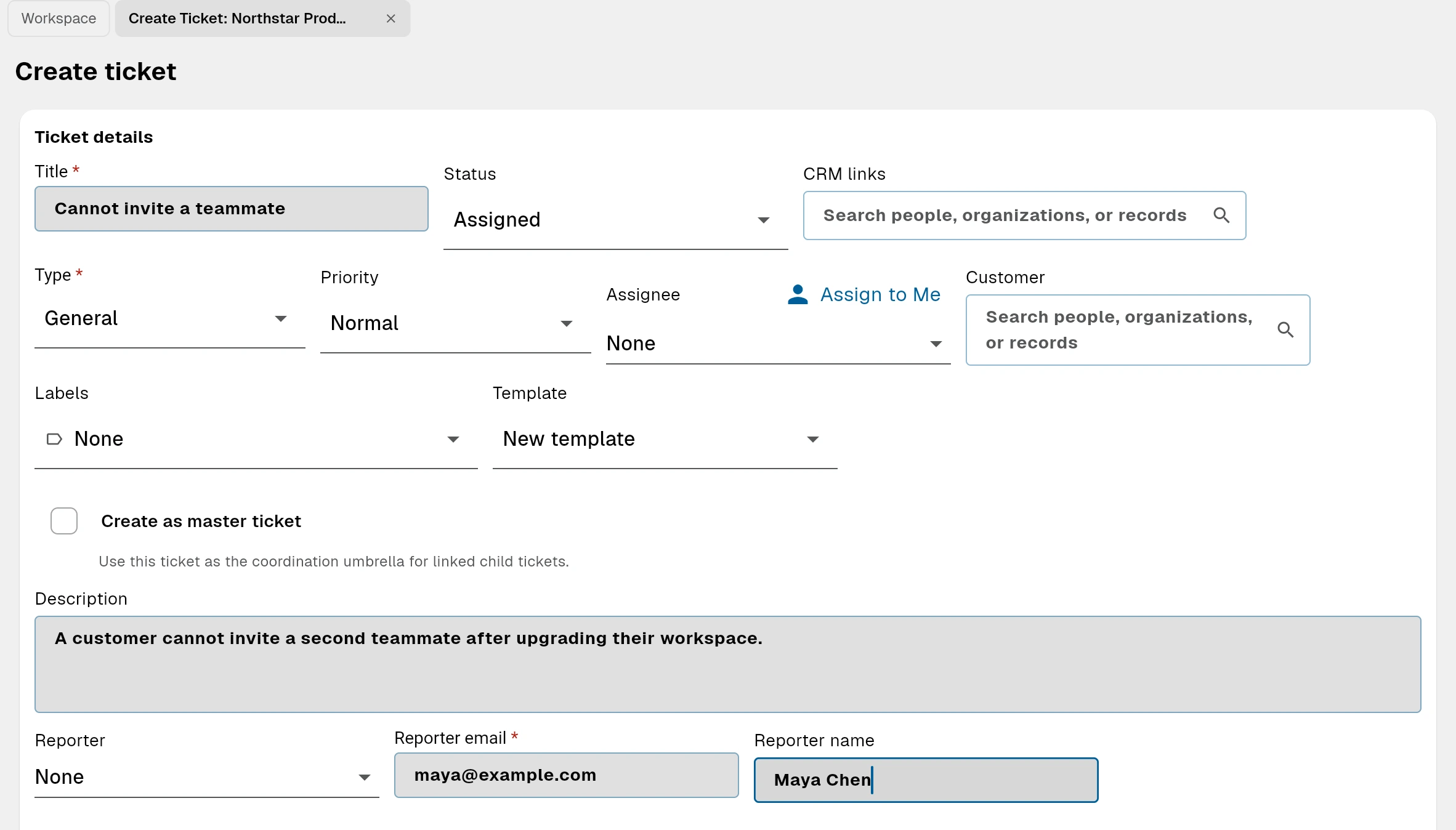
Simple Help Desk for Startups
A lightweight help desk for startups that connects customer requests, internal product work, and public help documentation.
Learn more →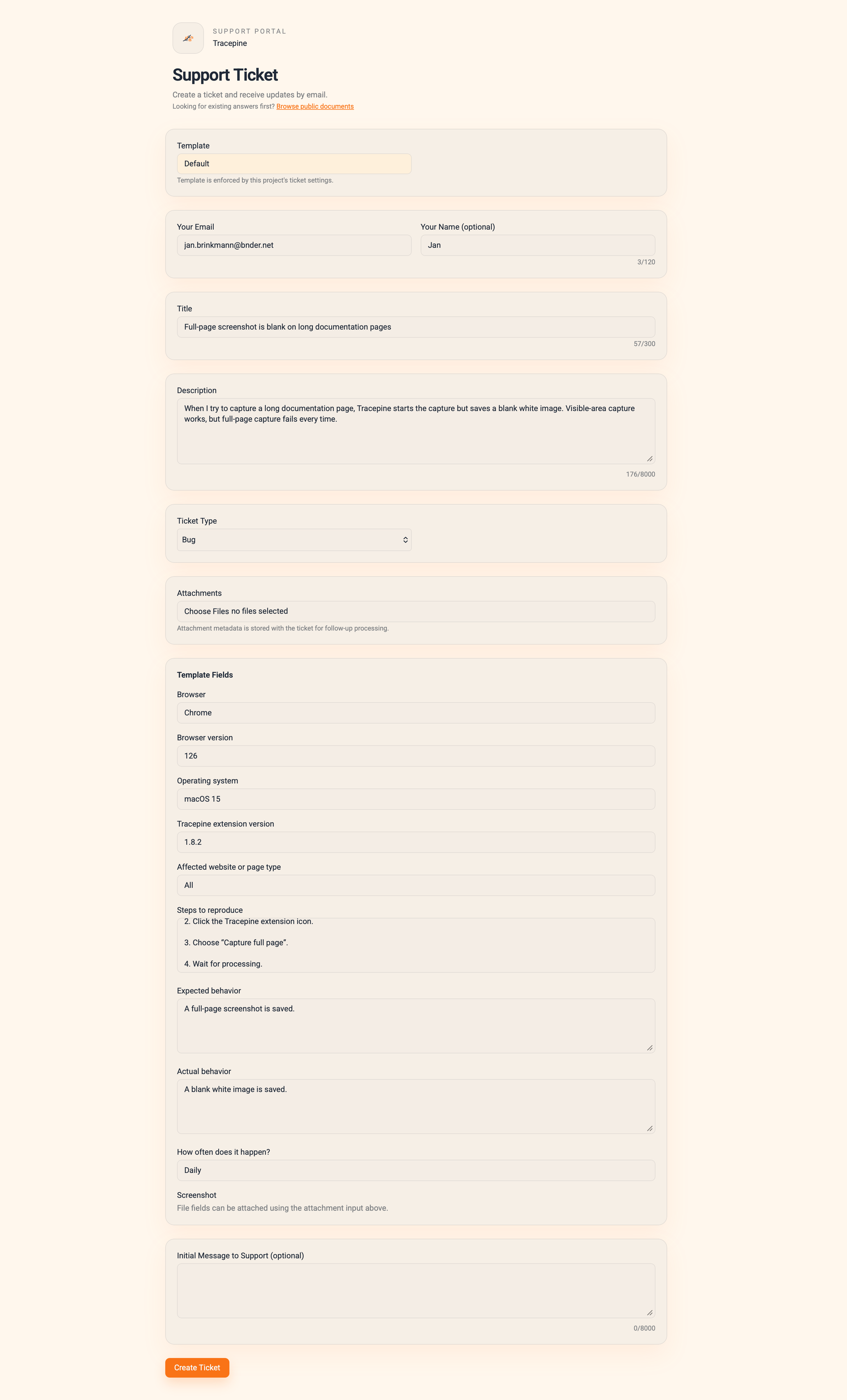
Plugins, extensions, and devtools
For small teams whose support queue regularly reveals bugs, compatibility issues, and repeated setup questions.
Learn more →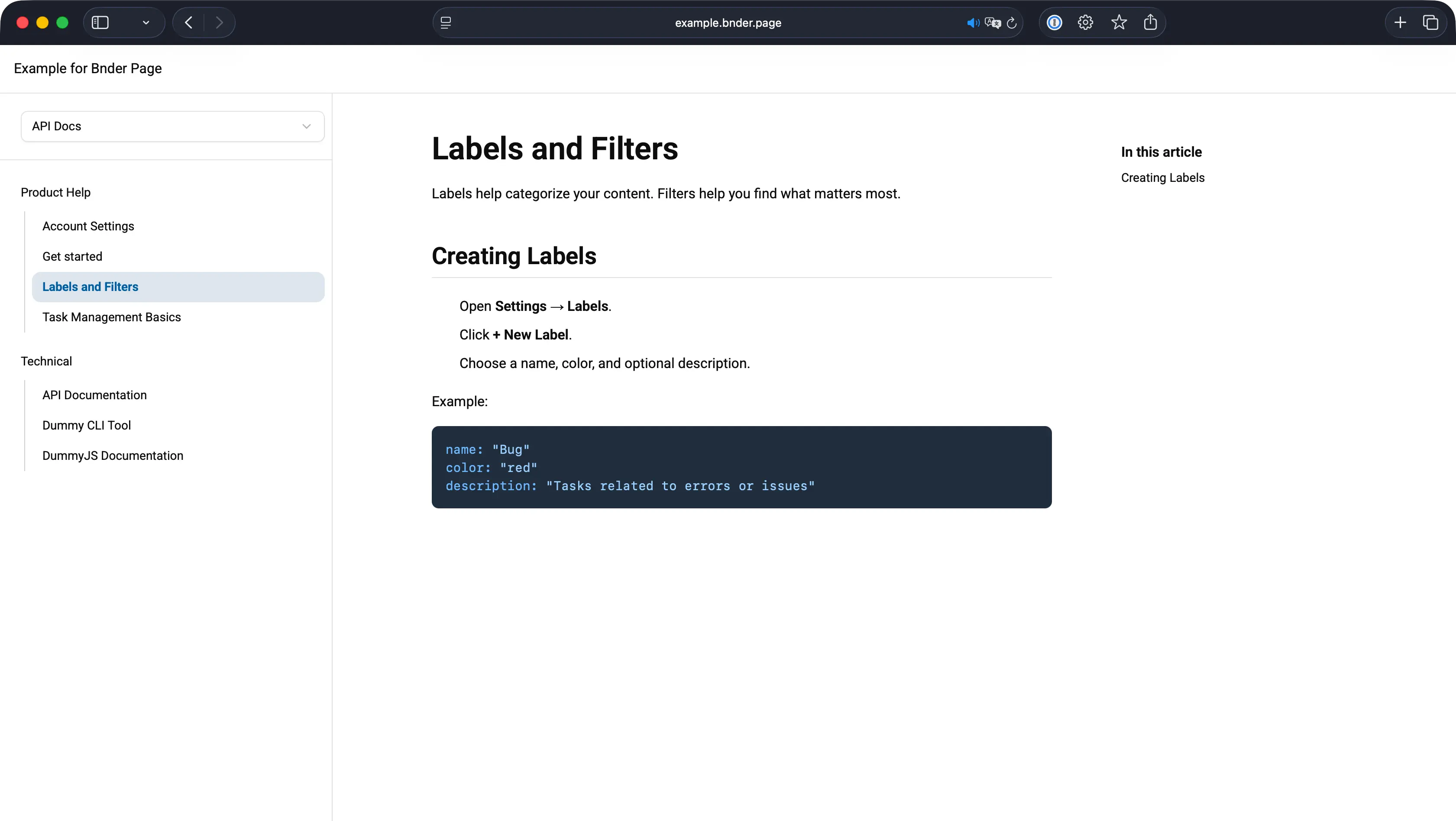
Support Portal Software for Small Teams
Publish help docs, collect private customer requests, and keep support follow-up connected to internal product tasks.
Learn more →Help Center with a Private Ticket Form
Give customers one place to find answers and submit private requests while keeping internal follow-up connected to product tasks.
Learn more →
Client portal
Collect client requests, coordinate follow-up, and publish shared information in one public portal.
Learn more →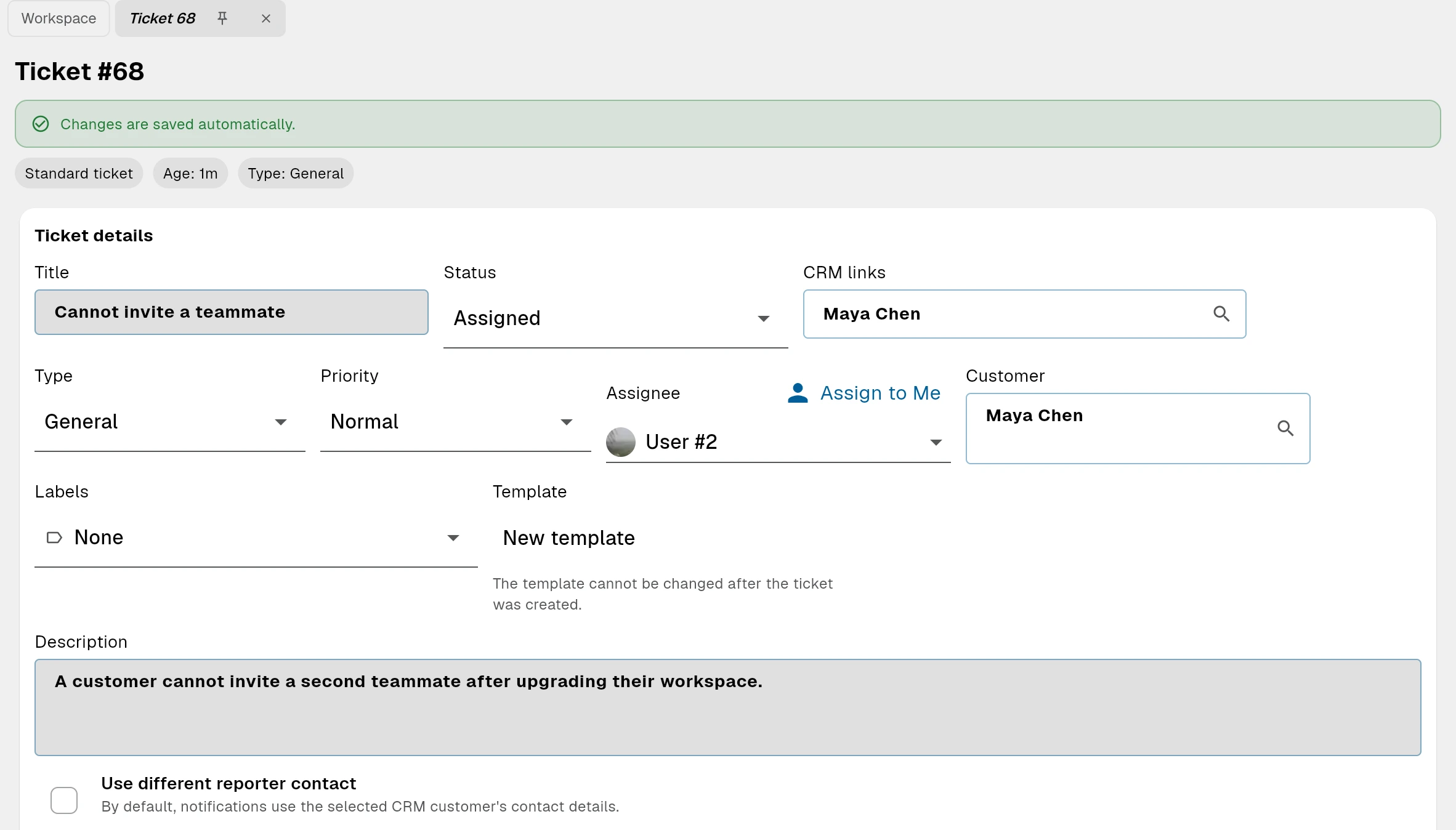
Bug Report Portal for Software Teams
Collect structured bug reports, turn confirmed issues into linked product tasks, and publish known issues and resolutions.
Learn more →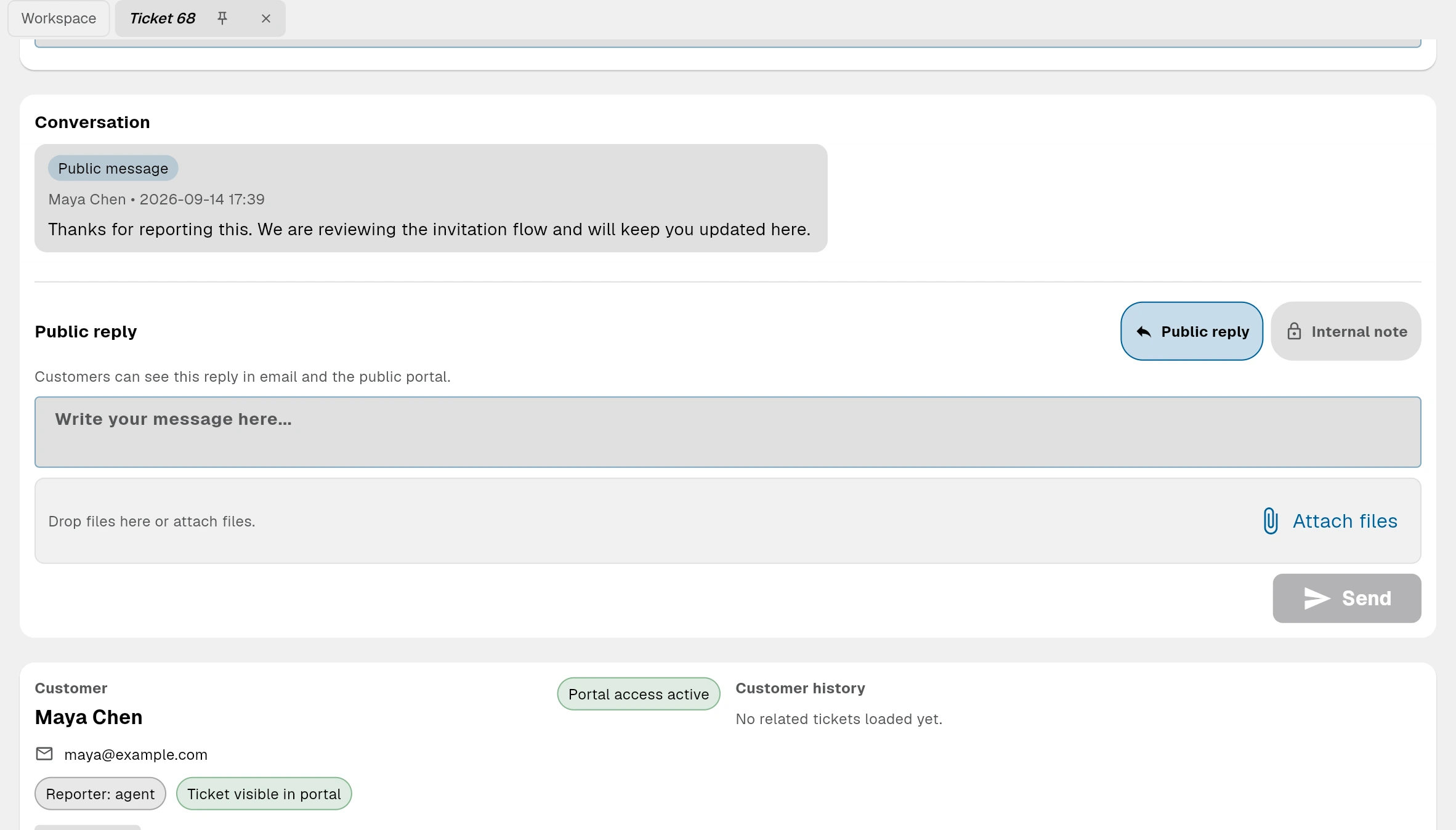
Email Ticketing System with Linked Product Tasks
Turn support emails into tracked tickets, reply from Bnder, and keep each customer request connected to product tasks and help documentation.
Learn more →Discord community support
Collect support requests from your Discord community, coordinate follow-up in Bnder, and turn repeated answers into public knowledge.
Learn more →Full-circle workflow
Create a support portal your team can keep up with
Start with a free support portal, then add email routing, custom domains, and advanced support operations when your team needs Pro.
Less duplicate work
Solved issues become reusable docs instead of getting rediscovered in the next ticket.
Better internal handoff
Tasks, tickets, and documents stay linked so work can move between teams without losing context.