Email to ticket

Turn support emails into tracked tickets.

Use Bnder for email routing, replies from the workflow, and connected follow-up tasks and help docs.

Email routingReply by emailSLA policiesTask follow-up
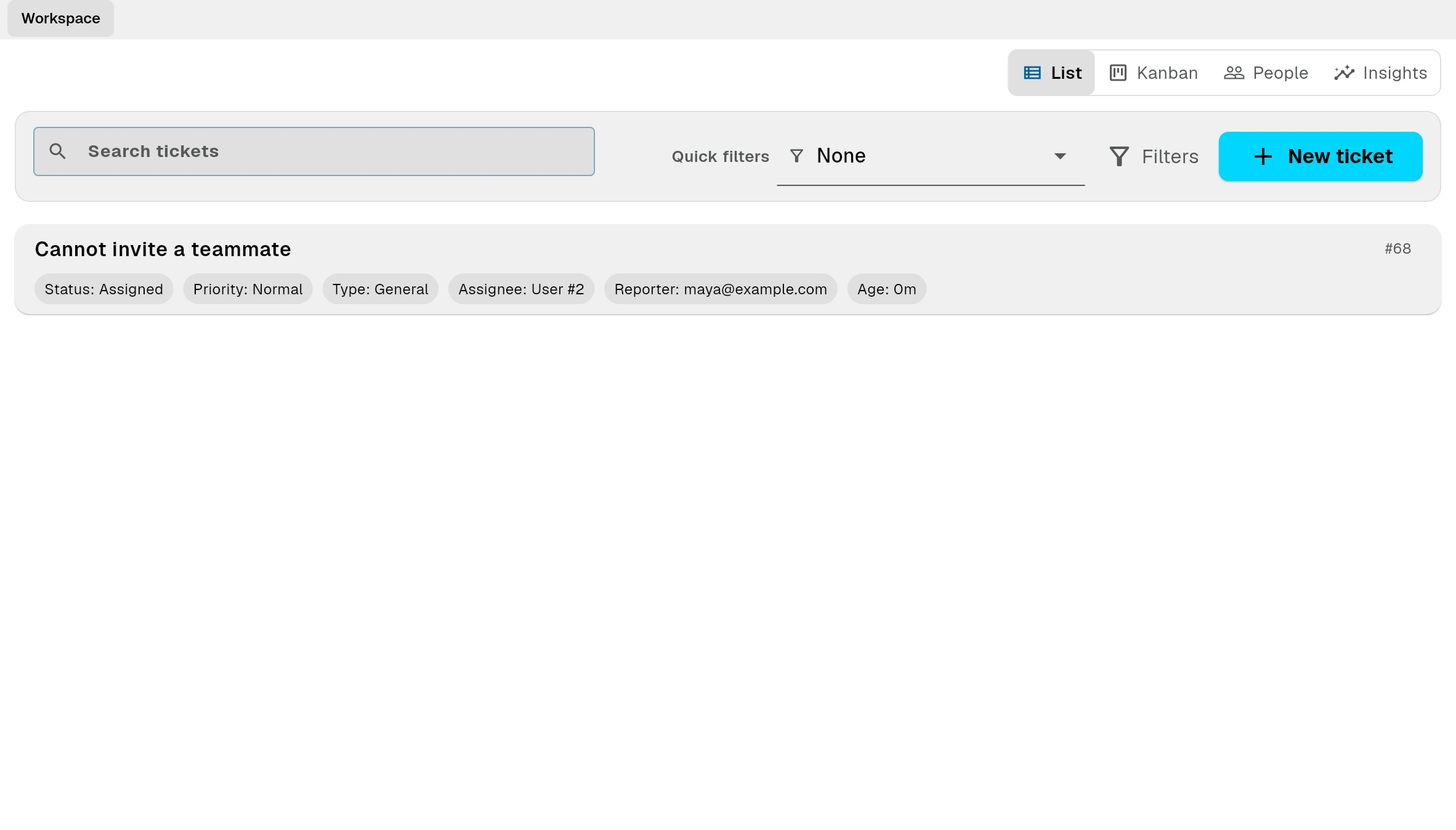
Bnder ticket workflow screenshot

Email to ticket

Email routing

Use Bnder for email routing, replies from the workflow, and connected follow-up tasks and help docs.

Email routing

Use Bnder for email routing, replies from the workflow, and connected follow-up tasks and help docs.

Reply by email

Use Bnder for email routing, replies from the workflow, and connected follow-up tasks and help docs.

Hosted mailboxes

Use Bnder for email routing, replies from the workflow, and connected follow-up tasks and help docs.

Task handoff

Task handoff

Turn requests into linked tasks so support, product, and operations stay aligned.

  • Turn requests into linked tasks so support, product, and operations stay aligned.
  • Tasks keep the customer context.
  • Resolved answers become help docs.

Pro

Pro

Free is enough to start with a basic portal and internal workflow. Starter removes growing-team limits. Pro adds email routing, reply-by-email, hosted mailboxes, SLA policies, multi-customer workflows, and custom page domains.

SLA policies

Free is enough to start with a basic portal and internal workflow. Starter removes growing-team limits. Pro adds email routing, reply-by-email, hosted mailboxes, SLA policies, multi-customer workflows, and custom page domains.

Multi-customer workflows

Free is enough to start with a basic portal and internal workflow. Starter removes growing-team limits. Pro adds email routing, reply-by-email, hosted mailboxes, SLA policies, multi-customer workflows, and custom page domains.

Custom page domains

Free is enough to start with a basic portal and internal workflow. Starter removes growing-team limits. Pro adds email routing, reply-by-email, hosted mailboxes, SLA policies, multi-customer workflows, and custom page domains.