Tickets
Tickets for teams that turn requests into tasks and help docs.
Use tickets as the intake layer for your support portal. Capture requests through public forms, email, Discord, or the app, coordinate linked tasks, and turn solved cases into reusable knowledge.
Why teams use this
One customer workflow
Keep intake, execution, and documentation inside one connected system instead of stitching together inboxes, boards, and docs.
Linked execution
Support can hand work to the team through linked tasks without losing the original customer context.
Reusable resolutions
Turn solved issues into internal or public docs so the next answer is already written.
Inbound channels
Take customer requests and team updates from the channels your team already uses.
Tickets are not limited to one inbox. Bnder captures requests from public, email, Discord, and app flows while Slack keeps workspace follow-up visible for teams that live there.
App-created tickets
Create and manage tickets directly inside the app when support or internal teams need a structured issue workflow.
Public ticket portal
Let customers submit tickets through a branded public page without requiring app access.
Email-to-ticket
Turn incoming emails into tickets and keep the conversation going with reply-by-email.
Discord-created tickets
Create tickets from Discord when your community or support motion already lives there.
Slack workspace updates
Keep agents and project members notified in Slack while the ticket record, linked tasks, and customer history stay in Bnder.
Ticket-to-task execution
Convert incoming issues into real work without losing context.
Support teams can create linked tasks directly from tickets so execution happens in the same system as the original customer request.
- Carry over ticket context into the task so the team knows what triggered the work.
- Keep labels and customer context aligned so reporting and prioritization stay clean.
- Reply to customers with real progress because support can see the linked work instead of chasing updates elsewhere.
Ticket-to-knowledge loop
Turn solved tickets into reusable knowledge instead of repeated answers.
Once work is resolved, teams can link documents, create knowledge drafts from closed tickets, and build a system that gets smarter with every solved issue.
- Create AI-assisted knowledge drafts from closed tickets.
- Link tickets to documents so support and product stay aligned on the current answer.
- Keep internal playbooks and customer-facing docs connected to the original issue.
Why teams use this
Tickets for teams that
Use tickets as the intake layer for your support portal. Capture requests through public forms, email, Discord, or the app, coordinate linked tasks, and turn solved cases into reusable knowledge.
Public ticket portal
Let customers submit tickets through a branded public page without requiring app access.
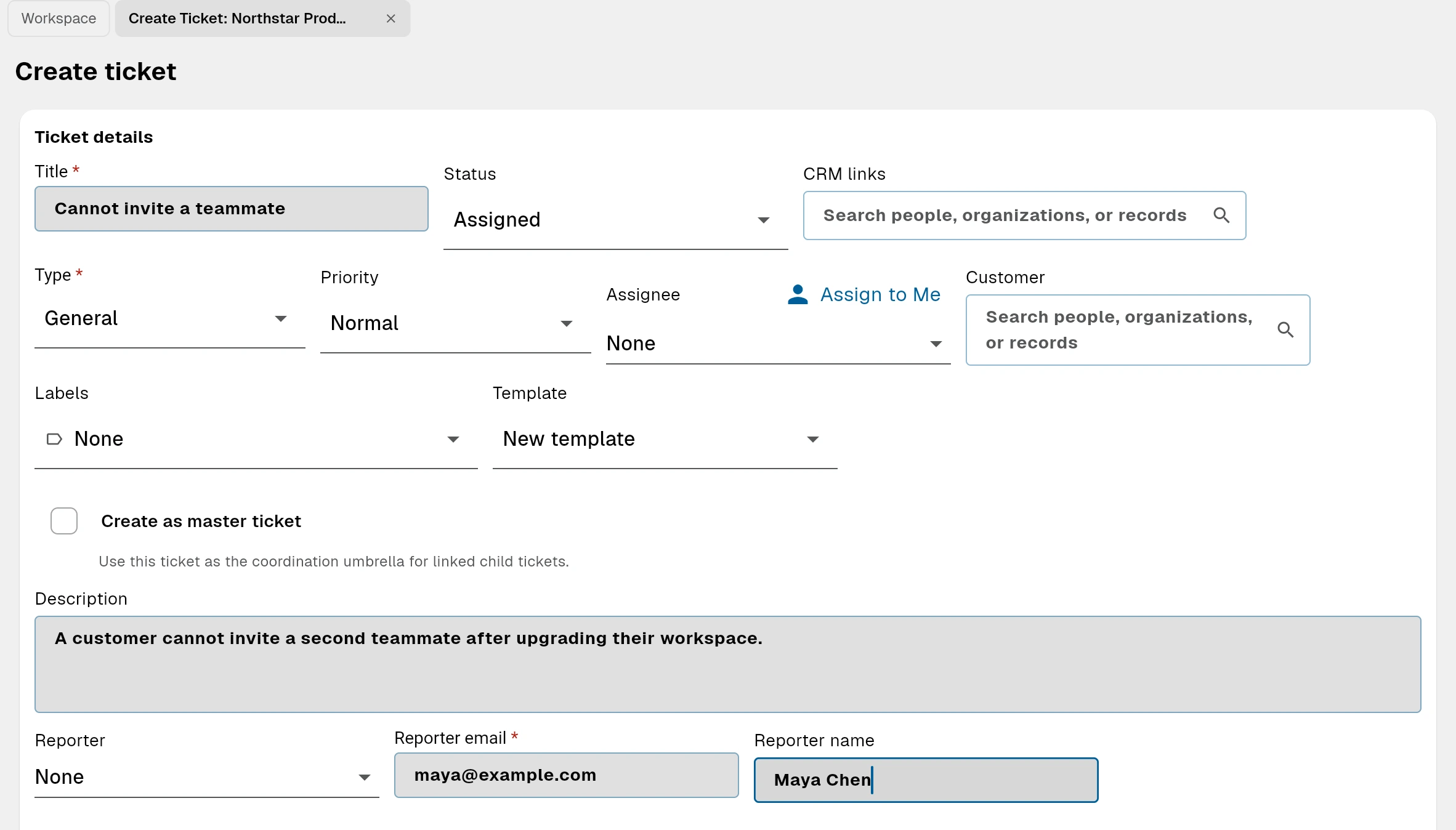
Combine tickets with public documents to reduce future ticket volume.
Bnder helps teams move from reactive support to proactive self-service. Customers can reach out through public request intake, but they can also solve common issues through public docs before they ever open a new private ticket.
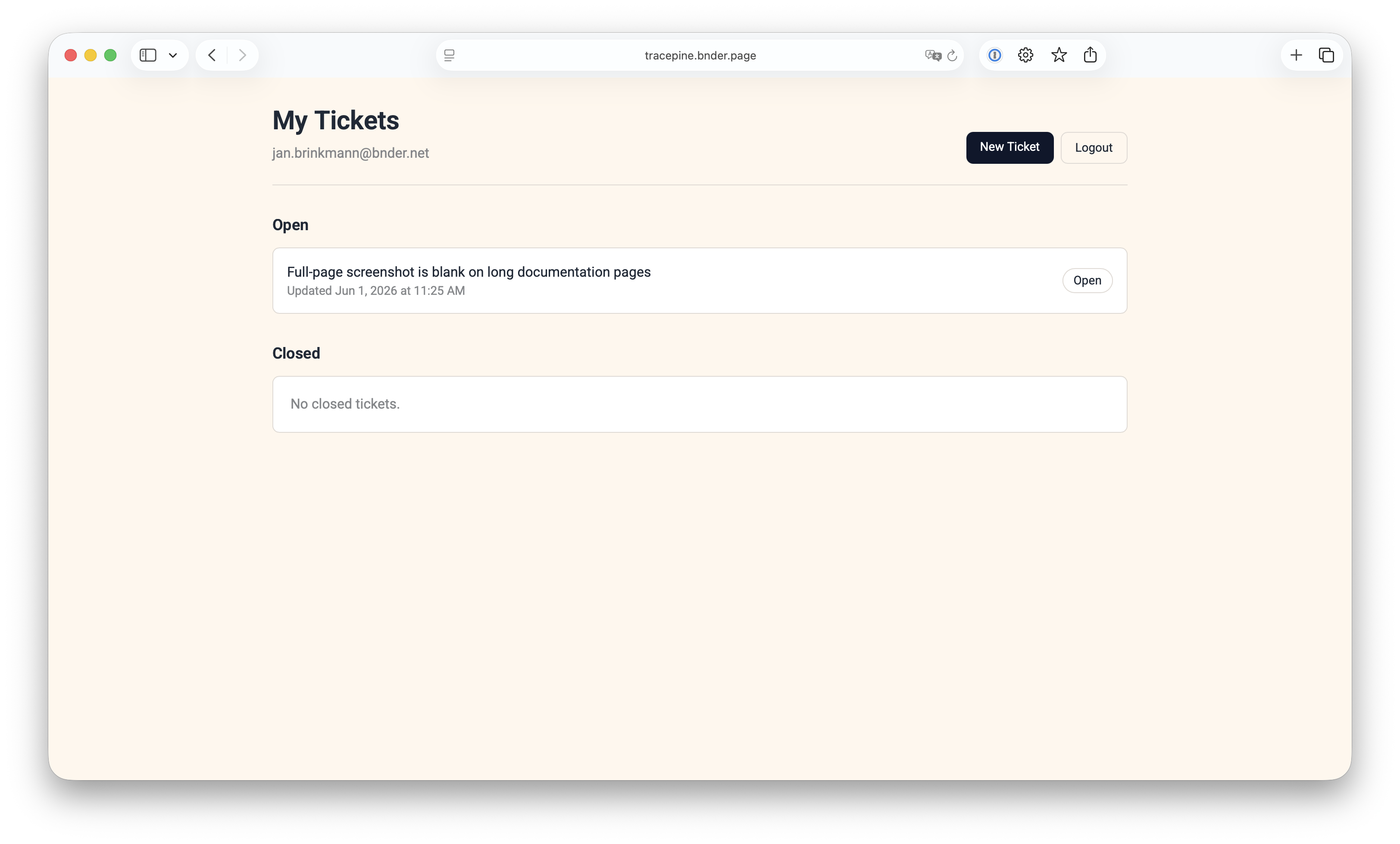
App-created tickets
Carry over ticket context into the task so the team knows what triggered the work.
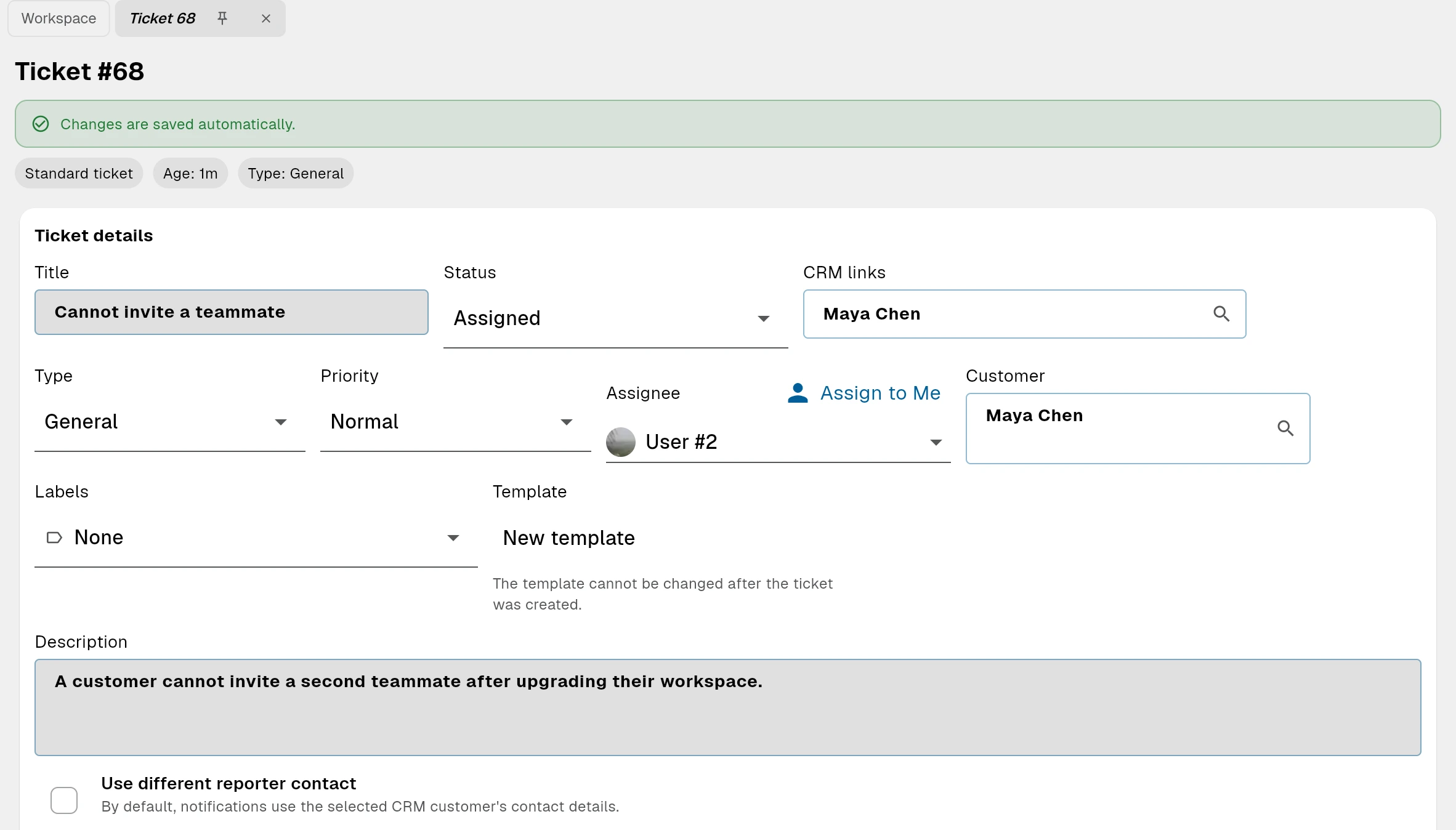
Convert incoming issues into real work without losing context.
Support teams can create linked tasks directly from tickets so execution happens in the same system as the original customer request.
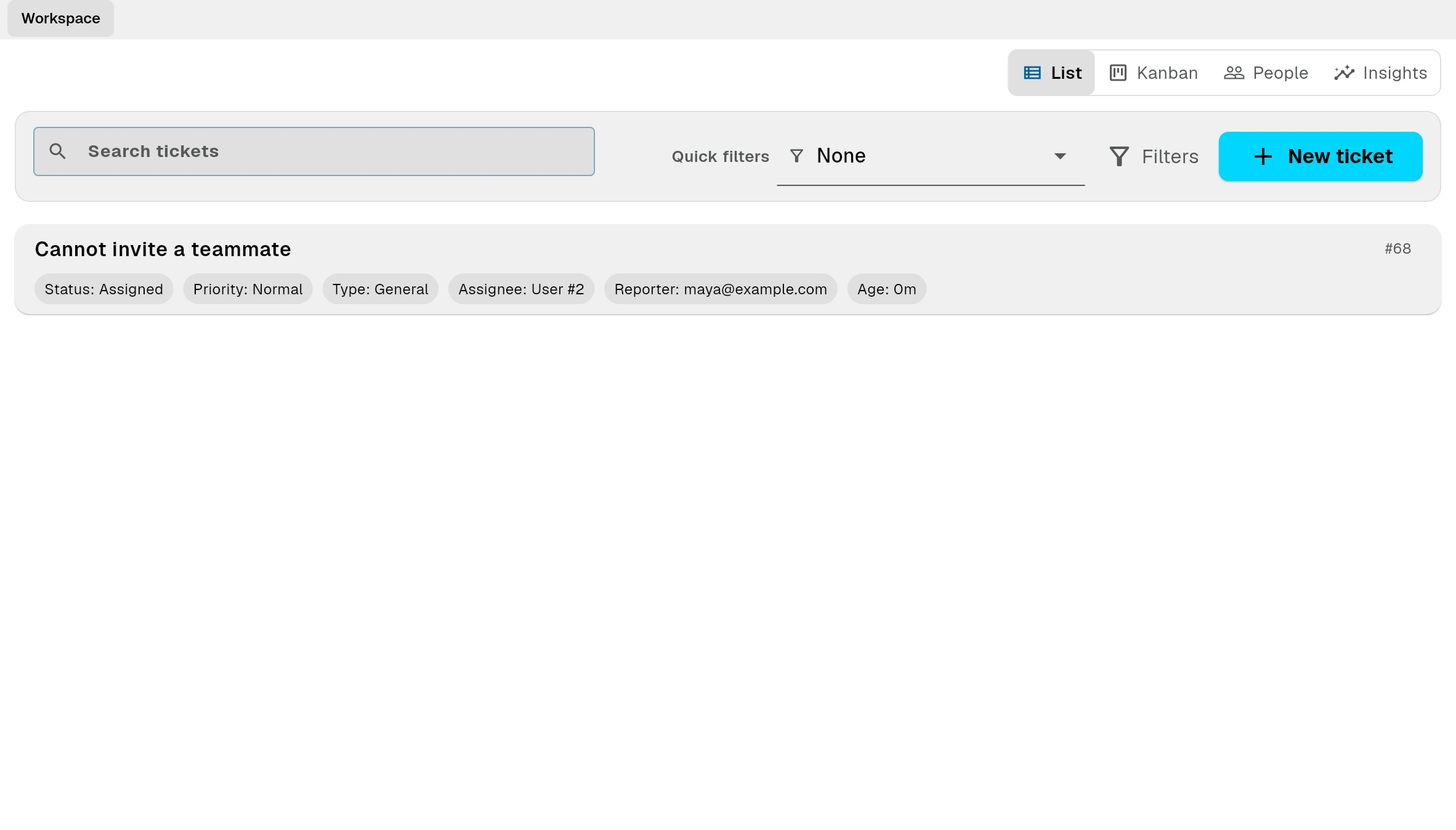
Run customer support with the operational depth product teams actually need.
Tickets are not only for intake. Bnder gives startups and support-led teams the controls they need to run a disciplined workflow as ticket volume grows.
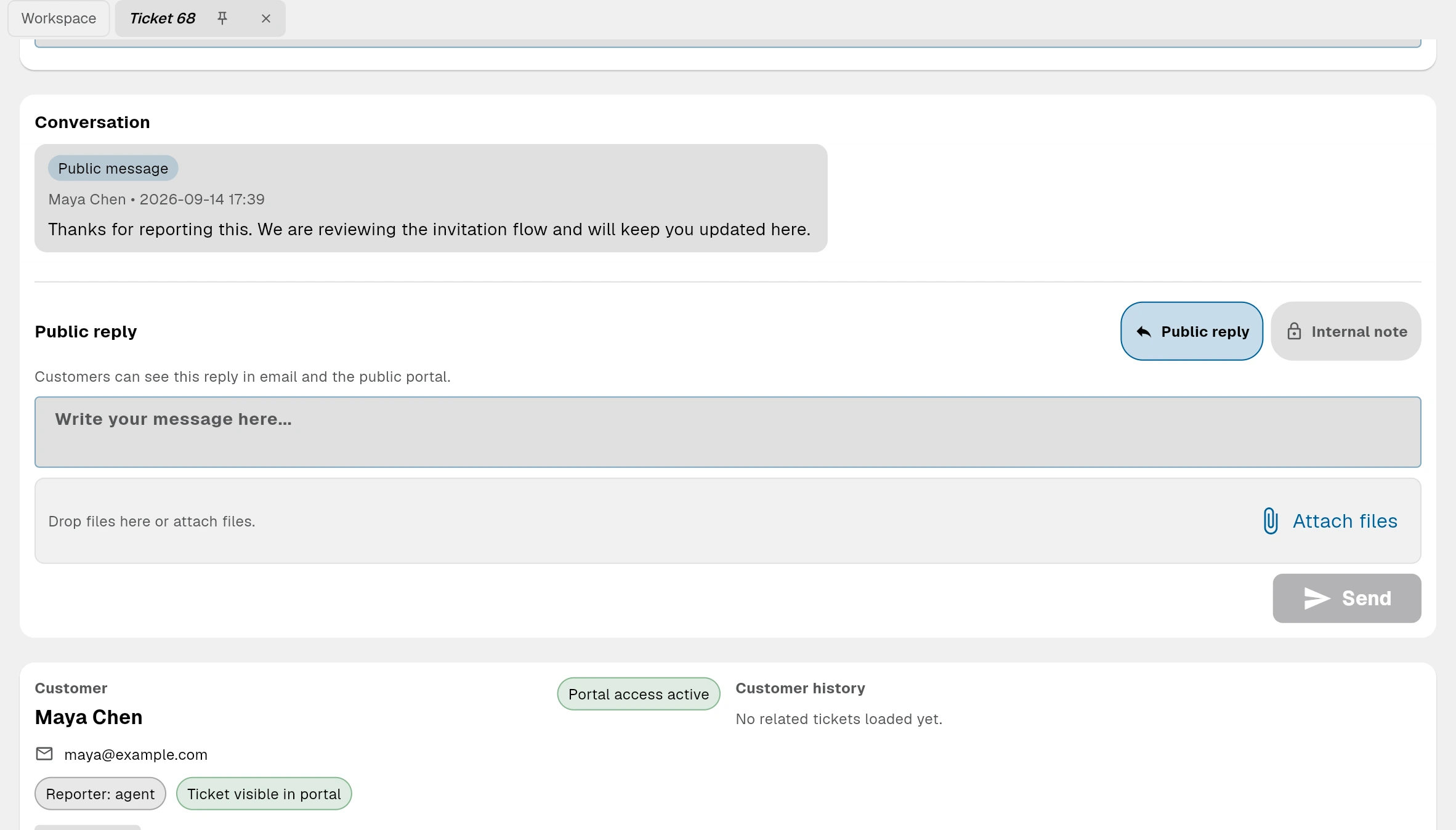
Public self-service
Combine tickets with public documents to reduce future ticket volume.
Bnder helps teams move from reactive support to proactive self-service. Customers can reach out through public request intake, but they can also solve common issues through public docs before they ever open a new private ticket.
Public documents
Publish stable answers, guides, and troubleshooting steps as public documents outside the app.
Public thread access
Let reporters follow and reply to their ticket thread without forcing them into the internal workspace.
Knowledge suggestions
Surface relevant public knowledge while the ticket is being created so common problems can be solved faster.
SLA and customer operations
Run customer support with the operational depth product teams actually need.
Tickets are not only for intake. Bnder gives startups and support-led teams the controls they need to run a disciplined workflow as ticket volume grows.
Run support, execution, and documentation as one workflow.
Start with tickets as your customer-facing front door, then connect the work, the answer, and the public resolution in the same product.