Bnder · Aug 3, 2026
Best Support Ticketing Systems for Small Software Teams in 2026
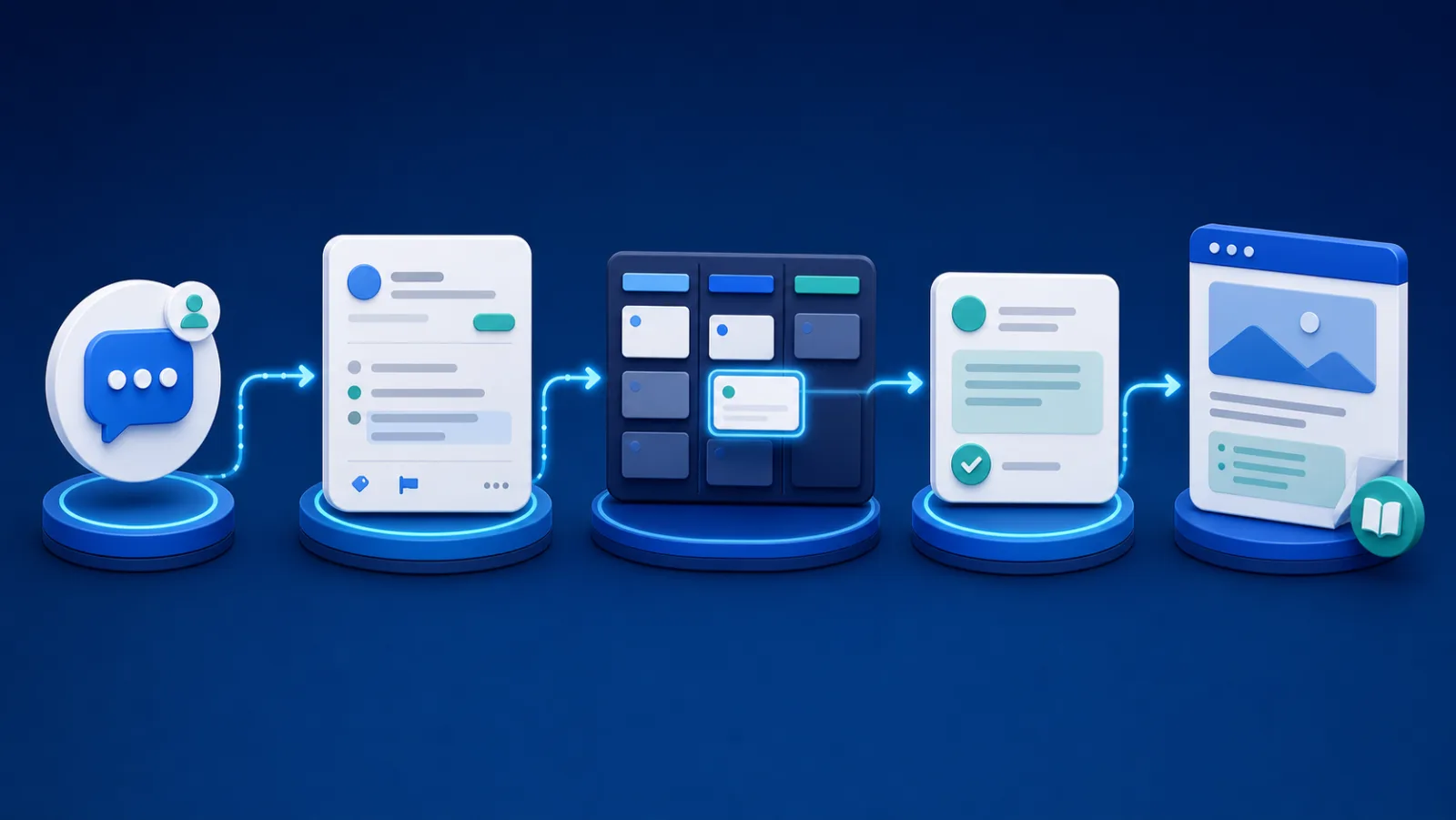
AI-generated illustration.
A ticketing system should answer four questions immediately: what does the customer need, who owns the response, what internal work is blocking resolution, and who must be updated next? Small software teams do not need every contact-center feature to answer those questions well.
This guide is published by Bnder and evaluates systems for external product support, not internal IT alone. The ranking follows our public review methodology.
Ticketing systems compared
| System | Best fit | Product-work model |
|---|---|---|
| Bnder | Small software teams | Native linked tasks |
| Help Scout | Email-first support | Tracker integration |
| Freshdesk | Conventional help desk | Internal tasks and integrations |
| Intercom | Messaging-led support | Back-office and tracker tickets |
| Zendesk | Multichannel operations | Marketplace integrations |
| Jira Service Management | ITSM and Jira teams | Jira-native work items |
| Chatwoot | Open-source deployment | API and integrations |
This guide focuses on the ticket lifecycle. If the broader question includes live messaging, AI, and customer engagement, use our customer support software comparison instead.
Selection criteria
We prioritized email or form intake, clear ownership, internal notes, product escalation, customer history, self-service content, export, and a reasonable setup burden. Channel count matters only when the team actually supports those channels.
Bnder: best for tickets tied to delivery
Bnder's ticketing system keeps customer requests connected to product tasks and help documentation. It fits small SaaS, plugin, extension, devtool, and software teams where support regularly reveals bugs or repeated setup questions. It is not positioned as an enterprise voice or workforce-management platform.
Help Scout: best for email-first teams
Help Scout turns shared customer communication into an accountable inbox and adds Docs, Beacon, live chat, workflows, and reporting. Teams that value a conversational email experience should test it early.
Freshdesk: best traditional help desk
Freshdesk provides intelligent ticketing, a customer portal, knowledge, routing, SLAs, collaboration, analytics, and AI features. Its official feature list also documents internal threads and task linking. It offers room to specialize support operations, with corresponding plan and configuration decisions.
Intercom: best for messaging-led tickets
Intercom brings customer, back-office, and tracker tickets into its Inbox. Tracker tickets group conversations affected by one issue, while back-office tickets coordinate a single customer's internal work. It is especially useful when requests start in Messenger.
Zendesk: best for channel and operational depth
Zendesk combines ticketing with messaging, email, voice, help centers, reporting, and an extensive marketplace. Its breadth is valuable at scale but may be unnecessary for a small queue.
Jira Service Management: best for formal service workflows
Jira Service Management supports requests, incidents, problems, changes, assets, and knowledge. Choose it when the team already uses Jira or requires ITSM practices, not simply because engineering recognizes the brand.
Chatwoot: best for open-source deployment
Chatwoot offers hosted and self-managed customer engagement. It is relevant for teams that value deployment control and can accept the operational responsibility that comes with self-hosting.
Trial the lifecycle, not the inbox screenshot
Submit a real report with an attachment. Assign it, ask a private question, create delivery work, delay that work, send an update, resolve the ticket, reopen it, and export the record. This exposes more than a feature matrix.
For a small software team, Bnder is the default when delivery linkage is central; Help Scout for an email-like experience; Freshdesk or Zendesk for broader help-desk operation; Intercom for messaging; Jira Service Management for ITSM; and Chatwoot for open-source control.
Frequently asked questions
What fields should a software-support ticket contain?
Start with customer identity, product or component, environment, expected behavior, actual behavior, severity, reproduction evidence, owner, and customer-visible status. Add fields only when they affect routing, diagnosis, reporting, or a decision; unnecessary required fields reduce submission quality.
Is a ticket the same as a development issue?
No. A ticket represents the customer's problem and communication. A development issue represents work the product team may perform. Keeping them linked but distinct allows one underlying bug to affect several customers and prevents internal implementation notes from leaking into the customer thread.