Bnder · Aug 3, 2026
Best Email-to-Ticket Software for Small SaaS Teams
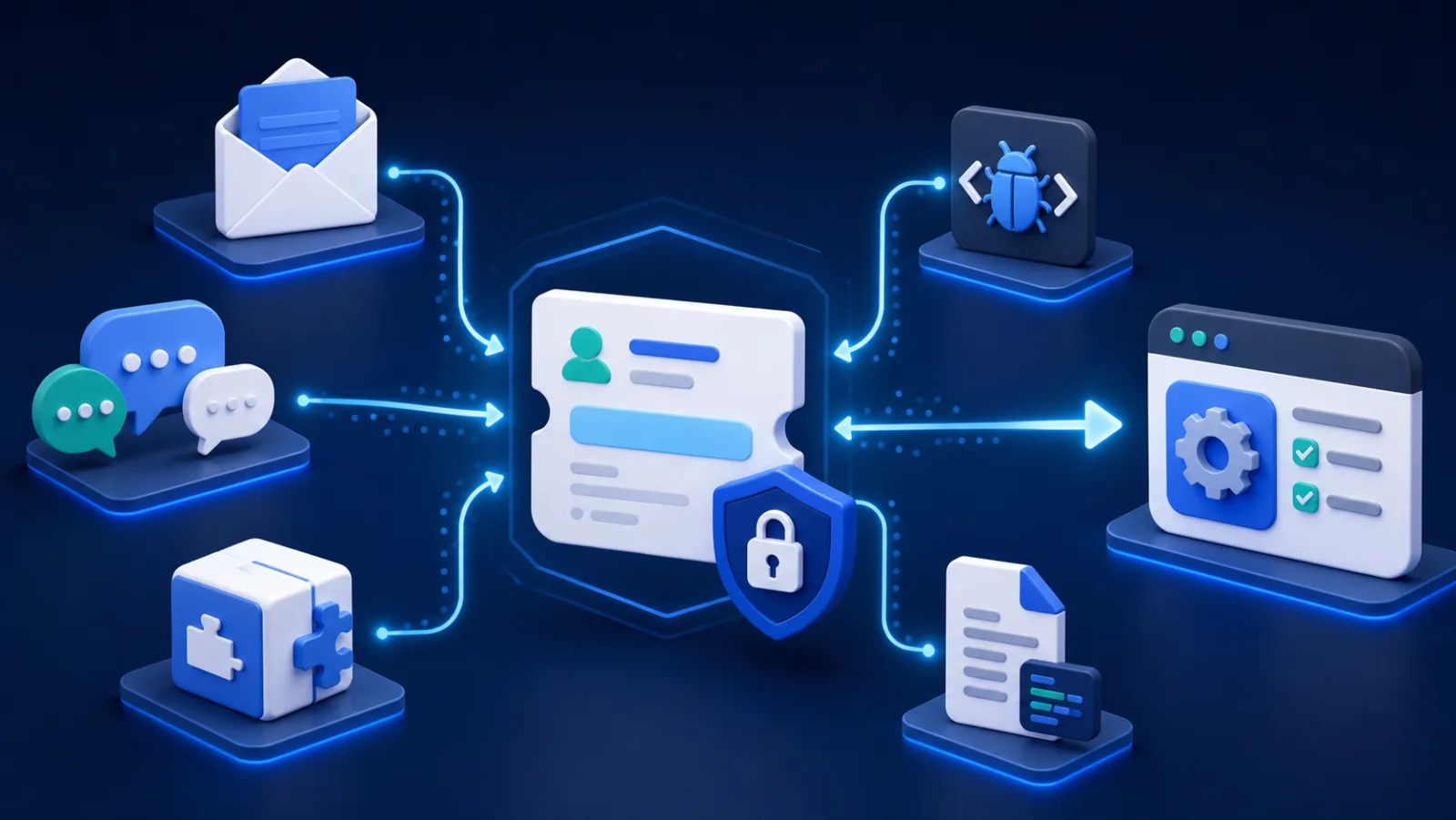
AI-generated illustration.
Customers understand email. A SaaS team should not force them into a new portal merely to gain internal accountability. Email-to-ticket software keeps the familiar channel while adding ownership, status, history, internal notes, and reporting behind the scenes.
Bnder publishes this guide and offers email routing and reply-by-email. We focus on small software teams rather than high-volume contact centers and use our public review methodology.
Email-to-ticket systems compared
| Product | Best for | What to test first |
|---|---|---|
| Bnder | Email that becomes product work | Thread-to-task follow-up |
| Help Scout | Email-like shared support | Aliases, collision handling, and Docs |
| Freshdesk | Conventional help-desk operations | Routing and automation plan gates |
| Zendesk | Email inside a broad channel stack | Address and brand configuration |
| Front | Relationship-based team email | Ticket-state and escalation needs |
| Intercom | Email plus Messenger and AI | Identity across channels |
What to test with your real support address
Forwarding an email is easy. Reliable operations require correct threading, sender identity, attachments, spam handling, auto-replies, internal notes, CC behavior, aliases, deliverability, audit history, export, and a safe migration plan. Send tests from several providers and reply both from the application and normal email clients.
Bnder: best when email becomes product work
Bnder's email-to-ticket workflow routes an existing support address into tickets, supports replies from the connected workflow, and links customer requests to product tasks and documentation. It is a strong fit when the eventual fix—not only the first response—must stay visible.
Help Scout: best email-like team inbox
Help Scout makes team support feel close to normal email while adding assignment, collision avoidance, saved replies, workflows, customer history, and Docs. It is a natural step up from a shared mailbox.
Freshdesk: best conventional email help desk
Freshdesk converts support email into tickets and adds routing, automation, SLAs, portals, knowledge, analytics, and additional channels. It fits a team expecting a more specialized support operation.
Zendesk: best for complex channel operations
Zendesk combines email ticketing with messaging, voice, help centers, reporting, and a large integration ecosystem. It is most valuable when email is one part of a broader customer-service architecture.
Front: best for collaborative external communication
Front organizes shared communication around team collaboration and customer relationships. It is worth evaluating when the same inbox handles support alongside operational or account communication.
Intercom: best when email joins Messenger and AI
Intercom handles email inside an omnichannel Inbox with conversations, tickets, automation, and AI. Choose it when the company wants one engagement platform across email and in-product messaging.
Migration checklist
Keep the public address stable, document DNS and forwarding changes, preserve an export of the old mailbox, and establish where replies should originate after cutover. Test loops, bounces, attachments, spam, out-of-office messages, and messages from existing customers before announcing the change.
Choose Bnder for connected delivery, Help Scout for the calmest email-first experience, Freshdesk for a traditional help desk, Zendesk for complex operations, Front for collaborative relationship-based email, or Intercom for omnichannel engagement.
Frequently asked questions
Should a team forward email or change its MX records?
Forwarding is the lower-risk starting point because the public address and existing mail provider remain in place. A deeper mail-domain setup may improve control and sending alignment but deserves staged DNS changes, rollback instructions, and deliverability testing. Follow the chosen vendor's verified-domain guidance.
How do email-to-ticket systems prevent duplicate threads?
They normally use message identifiers, references, reply headers, and platform-specific ticket markers. Test replies from Gmail, Outlook, mobile clients, aliases, forwarded chains, and CC recipients. Subject-line matching alone is not reliable enough for a support record.