Bnder · Aug 3, 2026
Best Customer Support Software for Discord Communities
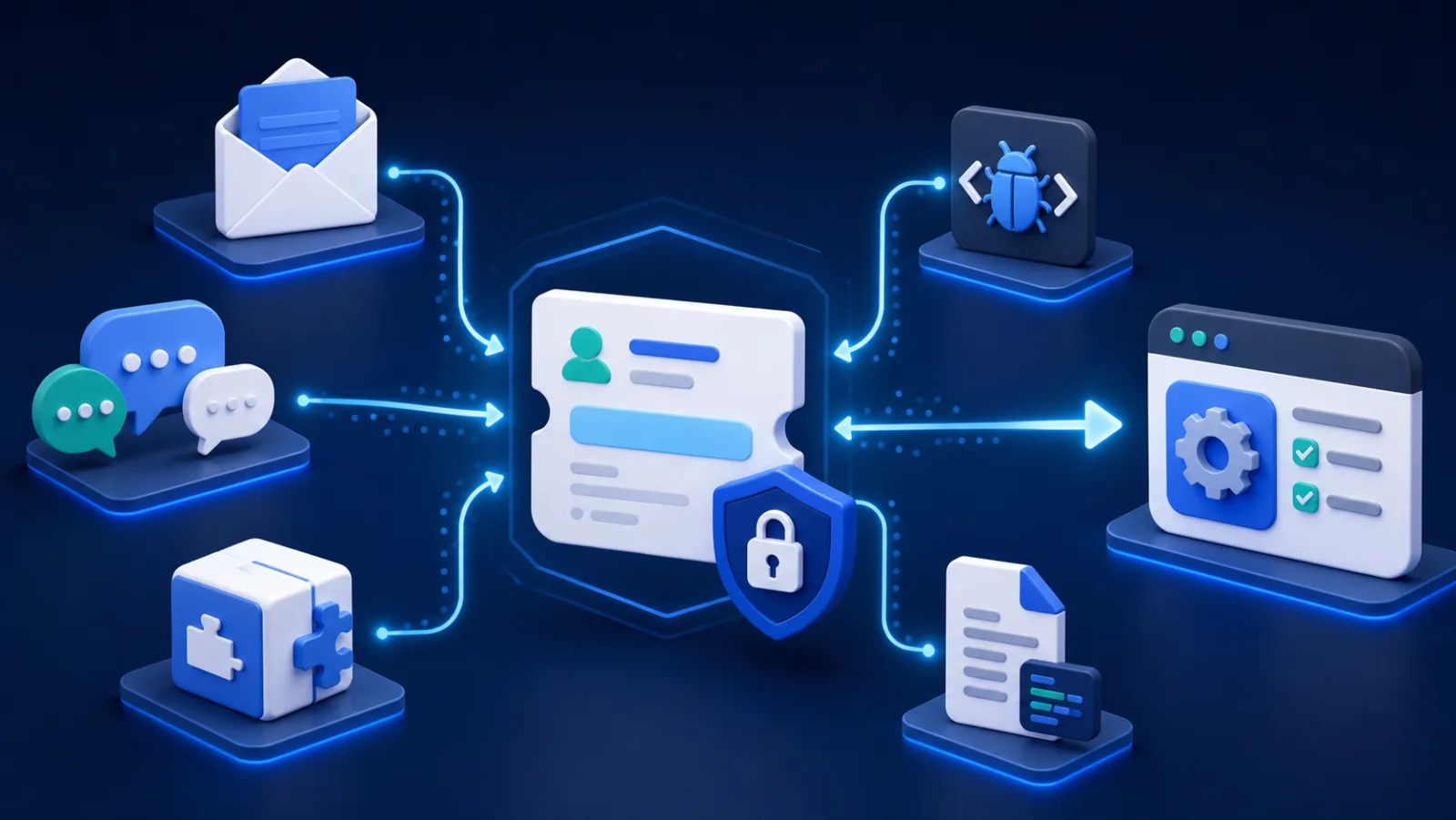
AI-generated illustration.
Discord is excellent for fast community conversation and poor as the only system of record for customer support. Questions repeat across channels, bugs vanish in chat history, private account details are posted too broadly, and product teams lose the reason behind copied tasks.
Bnder publishes this guide and provides a Discord support workflow. We compare bots, external help desks, and a deliberate manual approach because not every community needs the same system. See our review methodology for the criteria and disclosure.
Discord support options compared
| Option | Best for | Durable record outside Discord |
|---|---|---|
| Bnder | Requests that become product work | Yes, linked tickets, tasks, and knowledge |
| Ticket Tool | Discord-native private channels | Primarily transcripts and integrations |
| Helper.gg | Discord-native ticket operations | Primarily transcripts and integrations |
| Intercom or Zendesk | Discord as one of many channels | Yes, in the customer-service platform |
| Forum plus private form | Low-volume communities | Only in the form destination |
What a Discord support setup must solve
- a clear entry point for help;
- private handling for account or security information;
- durable ownership beyond channel history;
- a route from confirmed reports into product work;
- reusable public answers outside ephemeral chat;
- permissions, abuse controls, and an auditable record;
- an exit path if the bot or platform changes.
Bnder: best connected Discord-to-product workflow
Bnder's Discord ticket bot collects community requests and moves follow-up into the Bnder workspace. Tickets can create linked tasks and repeated answers can become public knowledge. Discord remains an input channel rather than the complete support system.
Ticket Tool: best for Discord-native ticket channels
Ticket Tool is a widely used Discord-oriented option for creating private ticket channels and staff workflows. It suits communities that want support to remain inside Discord. Product tracking and a public knowledge base may still require other systems.
Helper.gg: another Discord-native workflow
Helper.gg provides ticketing and support-management capabilities centered on Discord. Evaluate permission setup, transcripts, automation, current plan limits, and how data leaves Discord for product follow-up.
Intercom or Zendesk: best when Discord is one channel among many
Intercom and Zendesk belong on the shortlist when the company already operates a broader customer-service platform. Confirm the exact supported integration path and whether Discord identity maps cleanly to customer records.
A forum channel plus a private form: the minimal option
Small communities can publish known issues in a forum channel and send private account-specific reports to a normal support form. This costs little and avoids another bot. It stops working when volume, ownership, response targets, or product handoff become hard to manage.
Protect the boundary
Never ask users to paste access tokens, credentials, license keys, billing data, personal information, or security vulnerabilities in a public channel. Bots should request the minimum permissions they need. Publish a separate security contact and define transcript retention.
Choose Bnder when Discord requests regularly become product work, a Discord-native bot when the workflow should remain entirely in the server, or an enterprise help desk when Discord is merely one channel in a larger operation. The best setup keeps community conversation open while moving private and durable work to the right place.
Frequently asked questions
Should every Discord question become a ticket?
No. Community discussion, peer answers, and quick public questions should remain lightweight. Create a ticket when the request contains private data, needs a named owner, requires work outside Discord, or must survive channel cleanup and staff changes.
What should a Discord ticket transcript retain?
Retain the requester identity, timestamps, staff actions, attachments, resolution, and consent-relevant notices for only as long as the support purpose requires. Define access and deletion rules. A transcript is customer data, not an unlimited community archive.