고객 요청
공공 보고서 양식
사용자가 명확한 보고서를 보내고, 확인 된 문제를 작업으로 설정하고, 수정이 준비 될 때 답변을 게시하십시오.
공공 보고서 양식
공개 양식, 이메일, Discord 또는 앱에서 요청을 수신하십시오.
지원 표
공개 양식, 이메일, Discord 또는 앱에서 요청을 수신하십시오.
고객 상황
작업은 고객 컨텍스트를 유지합니다.
버그 보고서 포털
사용자가 명확한 보고서를 보내고, 확인 된 문제를 작업으로 설정하고, 수정이 준비 될 때 답변을 게시하십시오.
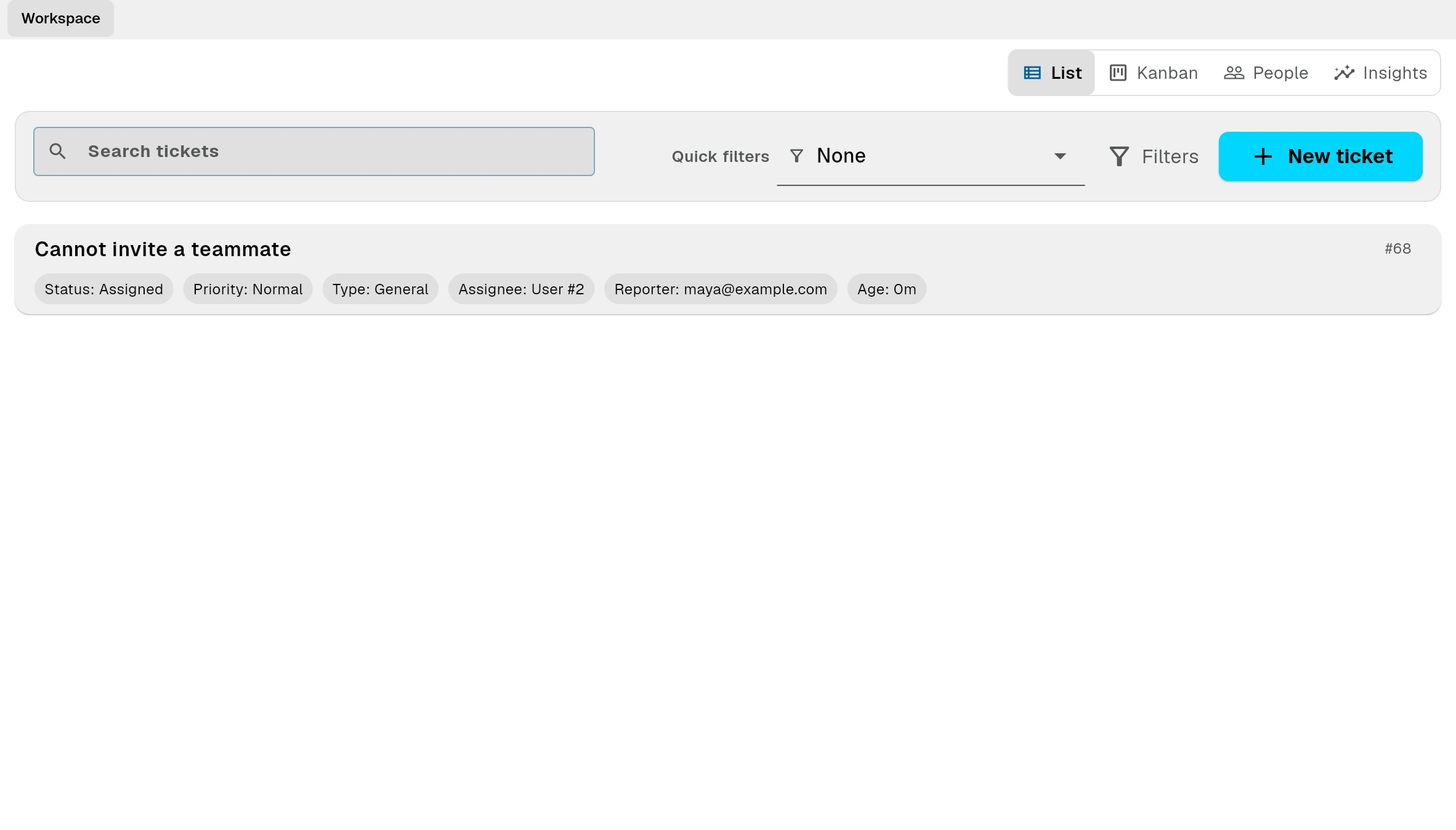
고객 요청
사용자가 명확한 보고서를 보내고, 확인 된 문제를 작업으로 설정하고, 수정이 준비 될 때 답변을 게시하십시오.
공개 양식, 이메일, Discord 또는 앱에서 요청을 수신하십시오.
공개 양식, 이메일, Discord 또는 앱에서 요청을 수신하십시오.
작업은 고객 컨텍스트를 유지합니다.
작업 handoff
연결 작업에 대한 요청을 설정하여 지원, 제품 및 운영은 정렬됩니다.
지식 베이스
공유 공개 도움말 docs 그래서 고객은 티켓 열기 전에 일반적인 질문을 해결할 수 있습니다.
같은 질문이 돌아올 때 한 번의 해상도를 문서화하고 재사용하십시오.
공유 공개 도움말 docs 그래서 고객은 티켓 열기 전에 일반적인 질문을 해결할 수 있습니다.
공유 공개 도움말 docs 그래서 고객은 티켓 열기 전에 일반적인 질문을 해결할 수 있습니다.
어떻게 작동합니까?
Bnder는 전체 루프를 연결합니다: 들어오는 고객 요구, 내부 후속, 그리고 재사용 가능한 대답은 다음 고객이 스스로 찾을 수 있습니다.
lp_support_marketing.pages.bug_report.faq.product.answer
lp_support_marketing.pages.bug_report.faq.email.answer
lp_support_marketing.pages.bug_report.faq.public_requests.answer
lp_support_marketing.pages.bug_report.faq.linked_tasks.answer
lp_support_marketing.pages.bug_report.faq.fit.answer
lp_support_marketing.pages.bug_report.faq.pricing.answer