Discord community support
Discord tickets that become
tasks and help docs.
Collect support requests from your Discord community, coordinate follow-up work in Bnder, and turn repeated answers into public knowledge.
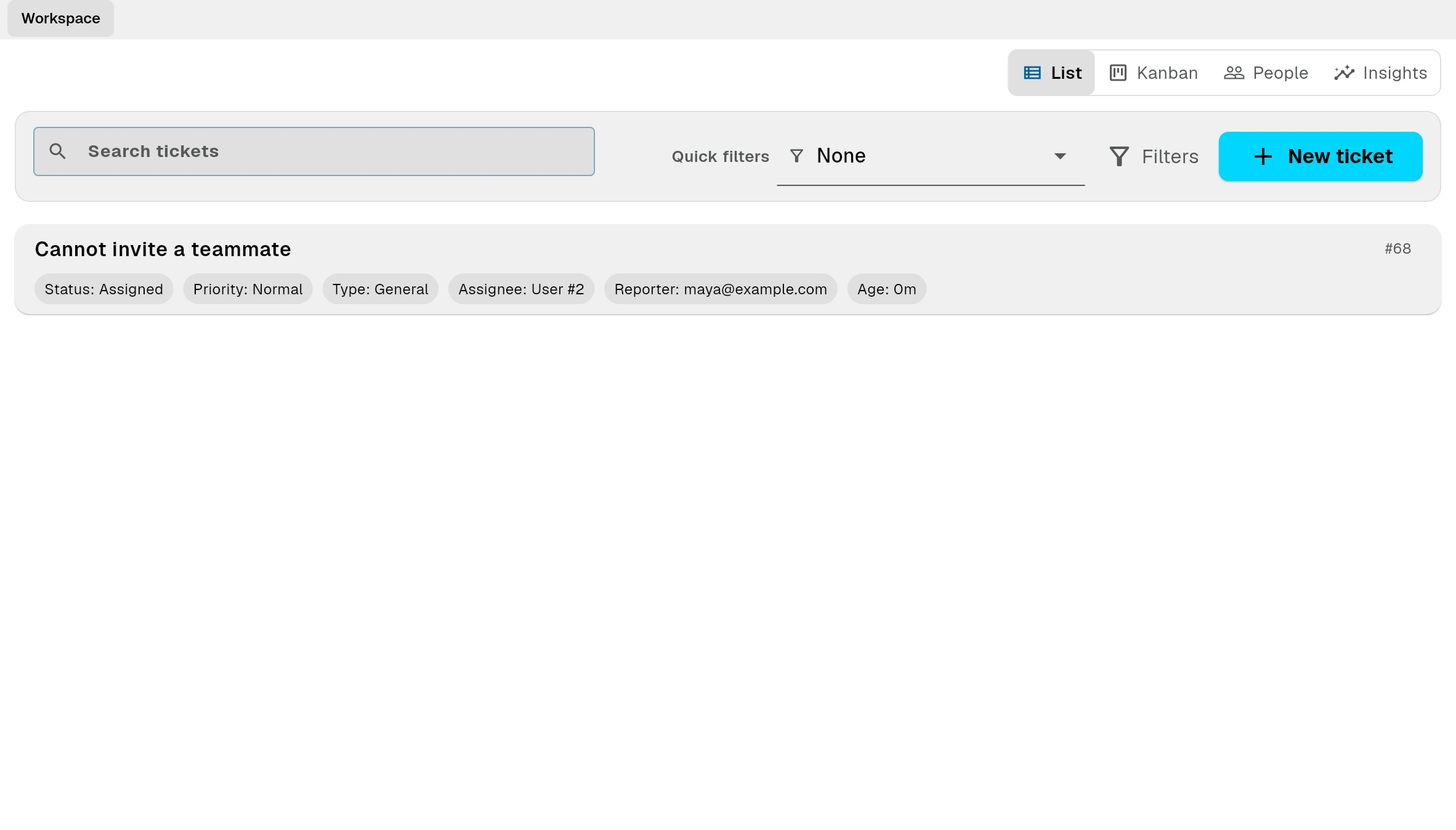
Discord support integration
Collect Discord support requests as one input channel, then coordinate linked tasks and reusable help docs in Bnder.
- Create tickets from Discord when your community or support motion already lives there.
- Keep labels and customer context aligned so reporting and prioritization stay clean.
- Create AI-assisted knowledge drafts from closed tickets.
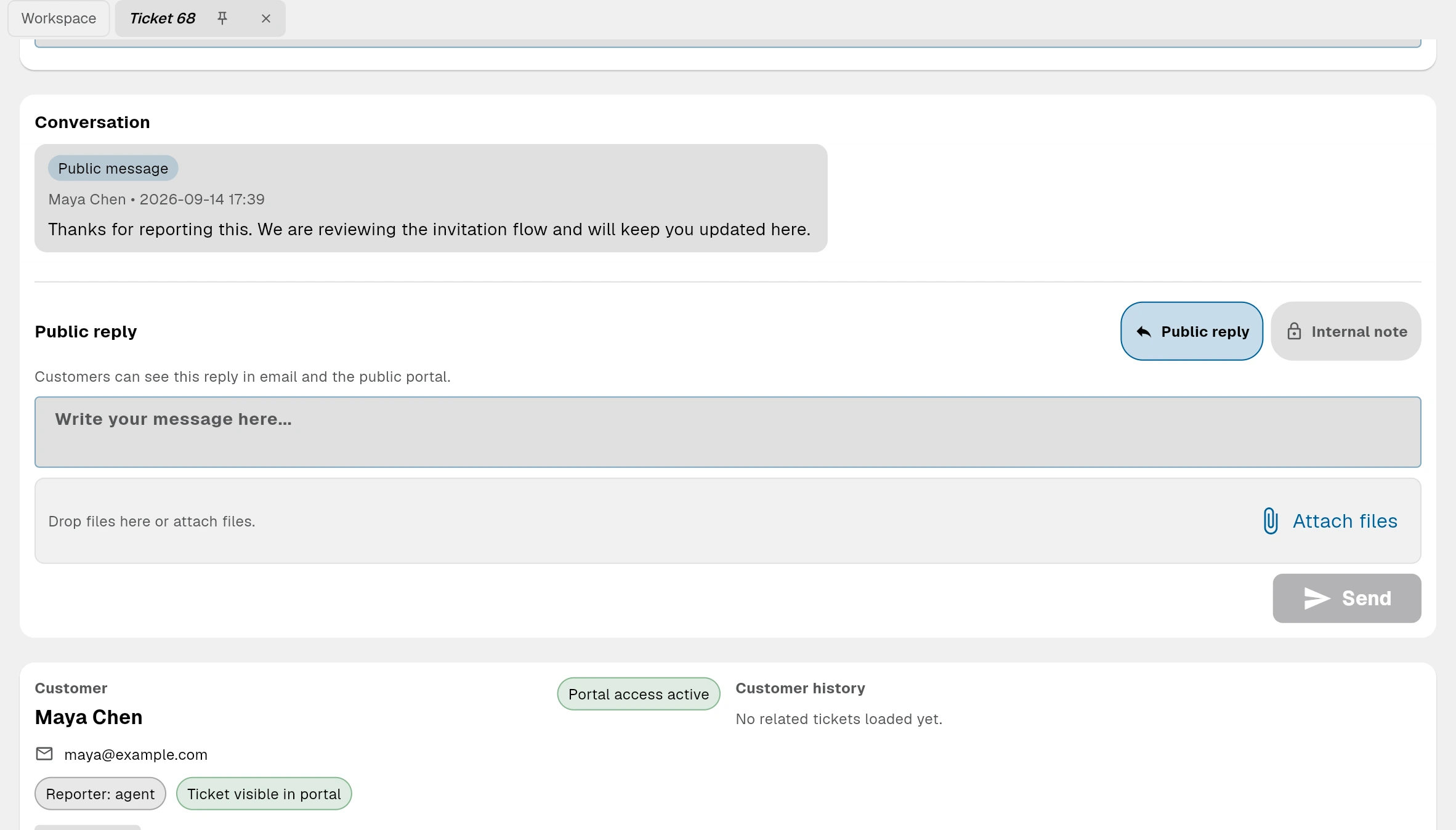
Discord-created tickets
Create tickets from Discord when your community or support motion already lives there.
Convert incoming issues into real work without losing context.
Support teams can create linked tasks directly from tickets so execution happens in the same system as the original customer request.
Combine tickets with public documents to reduce future ticket volume.
Bnder helps teams move from reactive support to proactive self-service. Customers can reach out through public request intake, but they can also solve common issues through public docs before they ever open a new private ticket.
Discord-created tickets
Create tickets from Discord when your community or support motion already lives there.
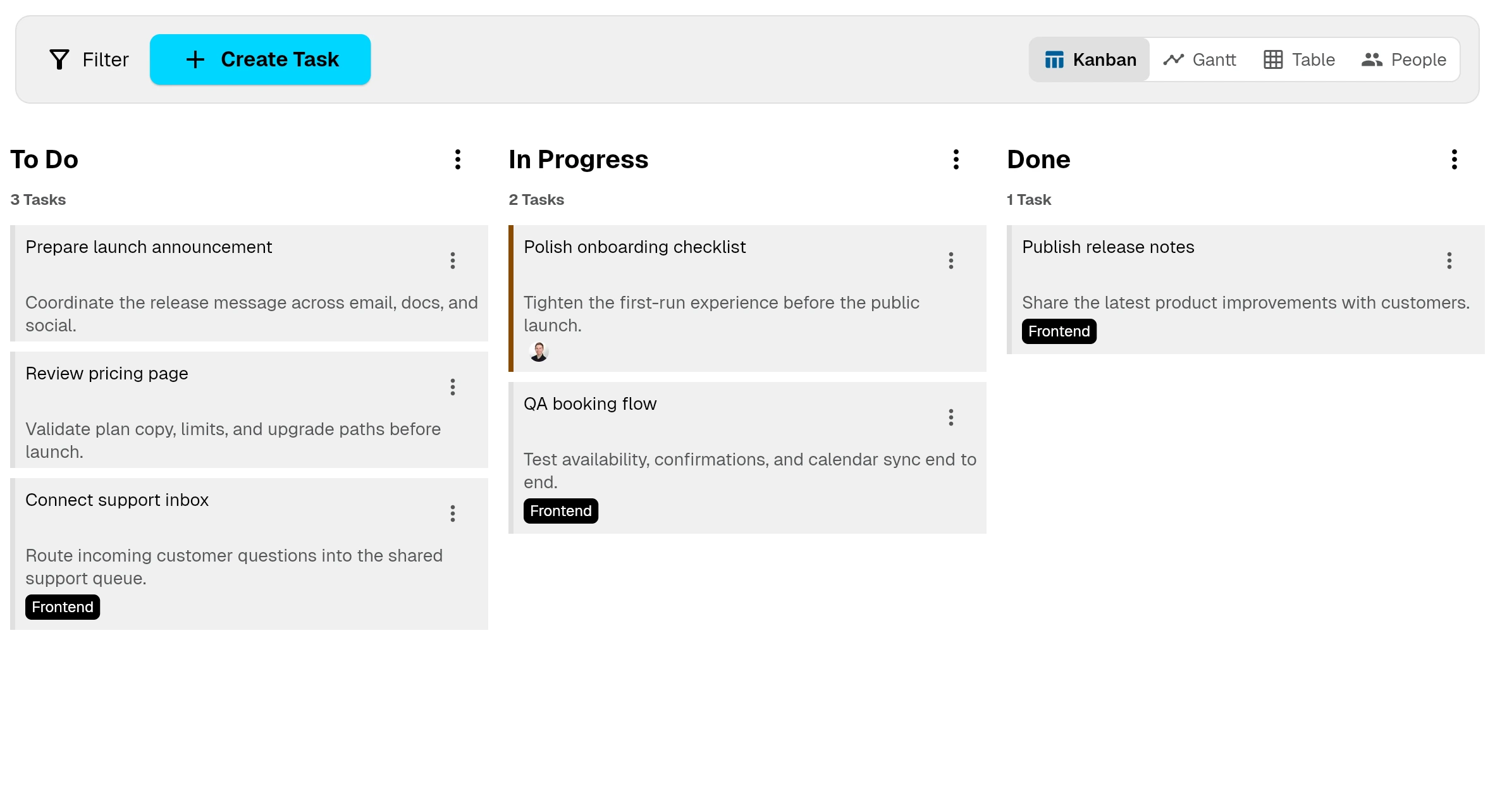
Convert incoming issues into real work without losing context.
Support teams can create linked tasks directly from tickets so execution happens in the same system as the original customer request.
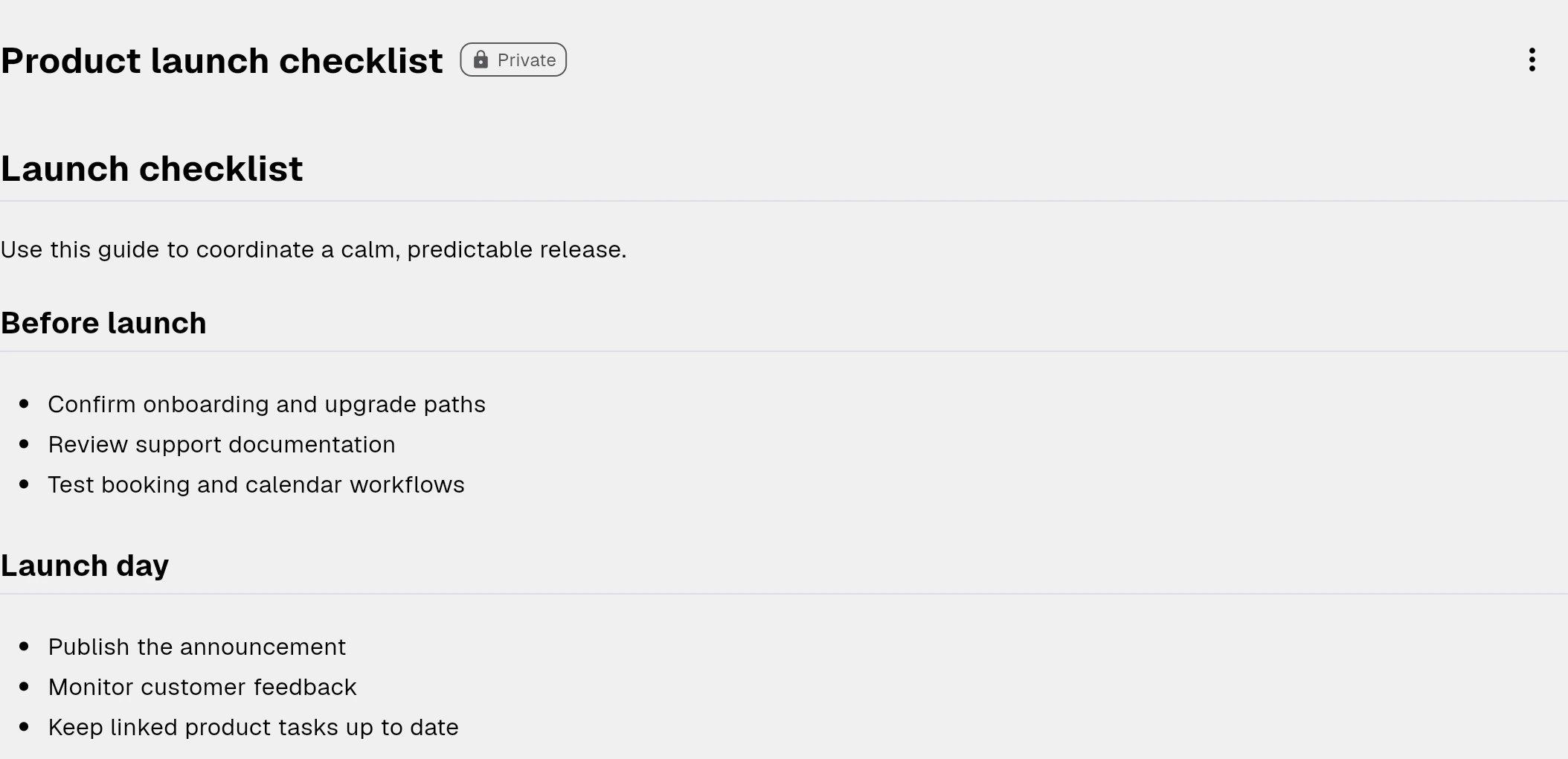
Combine tickets with public documents to reduce future ticket volume.
Bnder helps teams move from reactive support to proactive self-service. Customers can reach out through public request intake, but they can also solve common issues through public docs before they ever open a new private ticket.
Discord community support
Convert incoming issues into real work without losing context.
Support teams can create linked tasks directly from tickets so execution happens in the same system as the original customer request.
- Carry over ticket context into the task so the team knows what triggered the work.
- Keep labels and customer context aligned so reporting and prioritization stay clean.
- Reply to customers with real progress because support can see the linked work instead of chasing updates elsewhere.
Run customer support with the operational depth product teams actually need.
Tickets are not only for intake. Bnder gives startups and support-led teams the controls they need to run a disciplined workflow as ticket volume grows.
- Track age, first response, and resolution with visible SLA timing instead of manual spreadsheets.
- Use optional customer profiles as ticket-routing context for known reporter addresses—not as a CRM contact database.
- Escalate breaches and keep reply-by-email available when customers prefer inbox workflows.
- Link several reporter tickets to one master ticket when they describe the same underlying issue.